Auto Reply AI Agent by Macha
Automate repetitive (L1) tickets — quick setup, safe automation.
About this app
Automate repetitive Zendesk tickets — quick setup, safe automation
Define which ticket categories (intents) to automate, tell the AI how to respond, and set clear rules for what it should never handle.
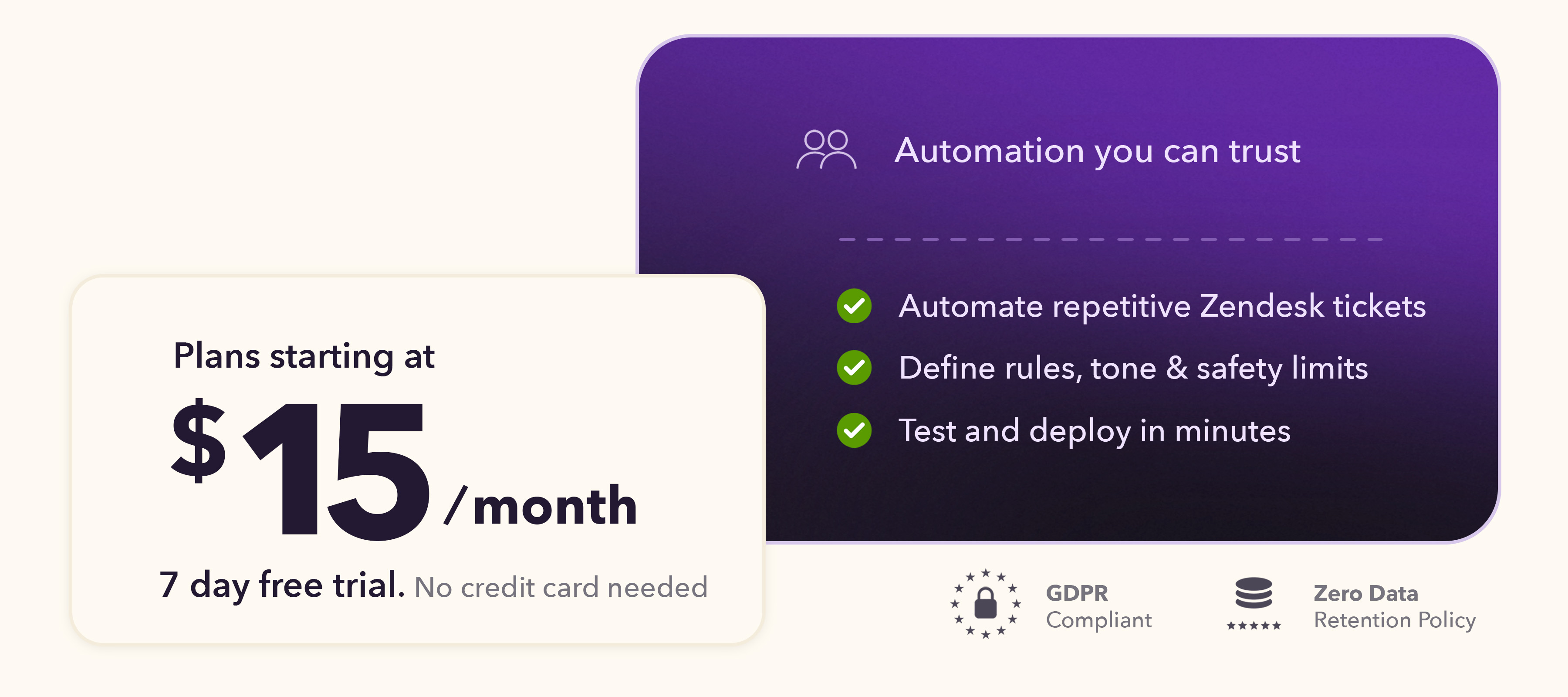
Start your 7-day free trial — no credit card required.
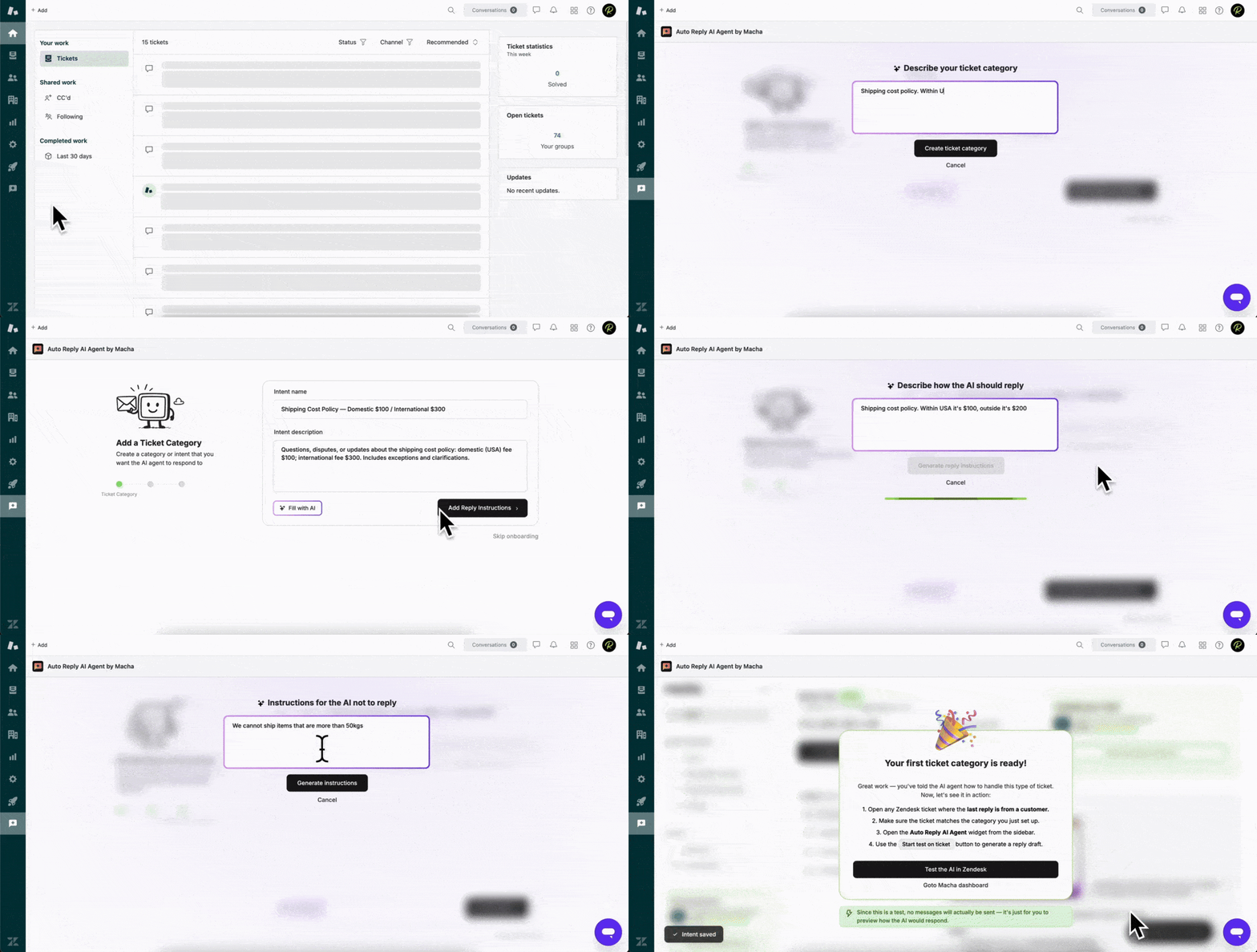
Get started in minutes
Most teams complete setup in under 10 minutes.
Why admins love Auto Reply AI Agent by Macha
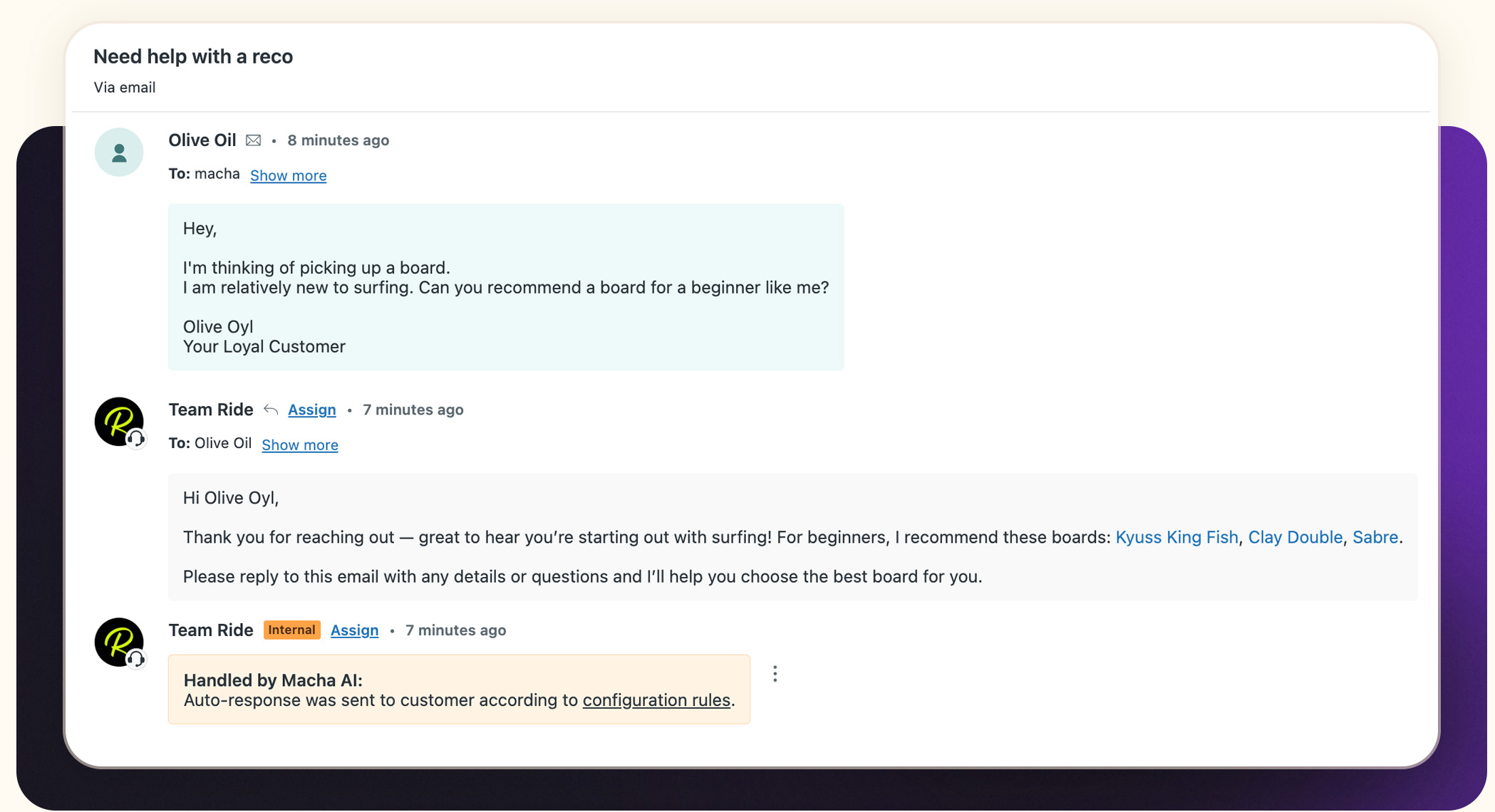
- Flexible response modes: Choose how replies are created — as an internal note, editable draft, or auto-response to customers.
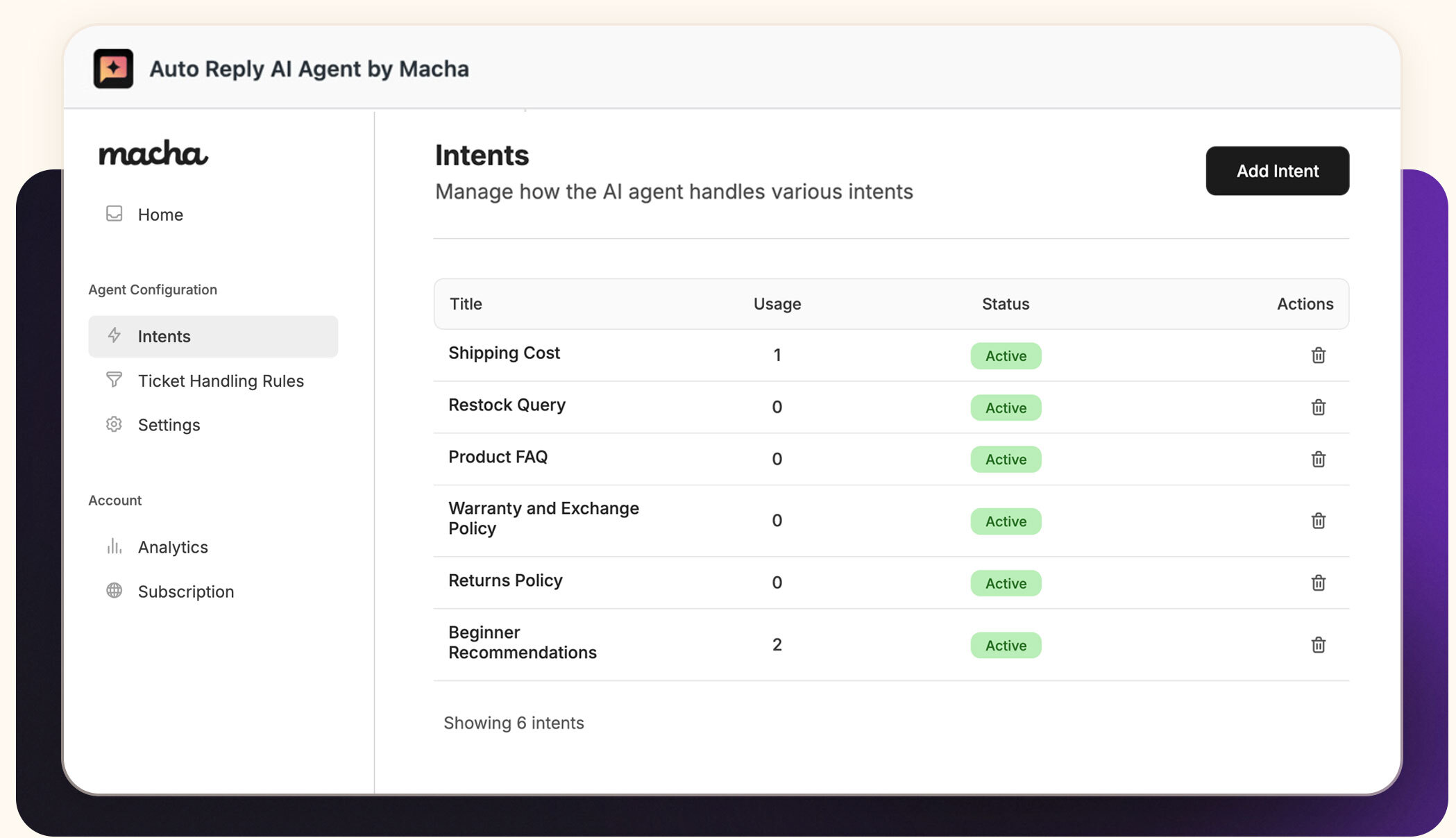
- Category-based automation: Define clear ticket categories (intents) with SOPs so your AI knows exactly which L1 tickets to handle — and how.
- Global handling rules: Set universal allow/deny filters to automatically skip escalations, VIP tickets, or sensitive cases.
- Smart reply control: Automate just the first reply or all replies, with built-in stop conditions when a human takes over.
- Consistent brand tone: Add persona, tone, and answer guidelines to ensure every AI reply sounds like your team.
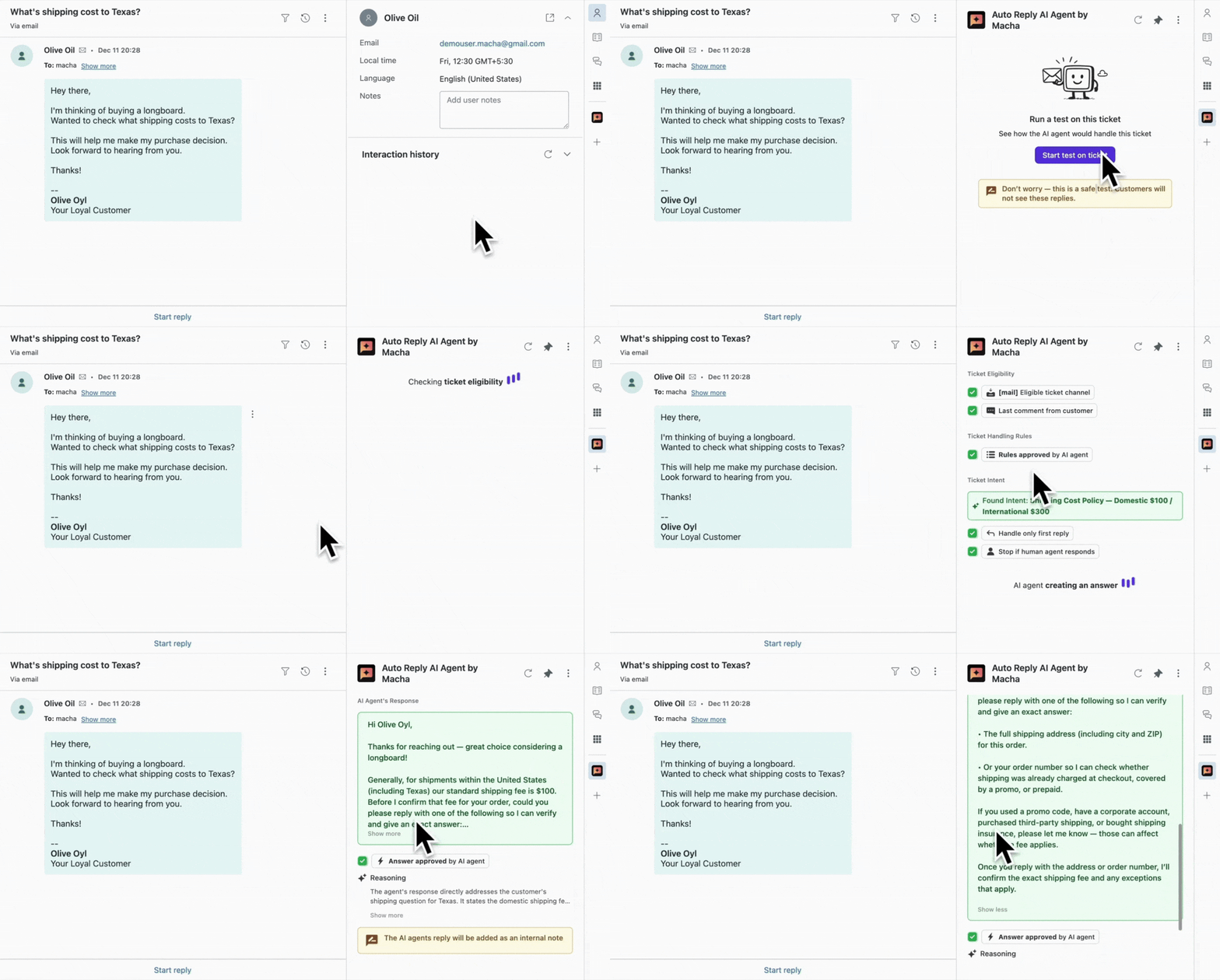
- Test before deployment: Run no-risk tests on any ticket and see every step before enabling automation.
How it works
- Define categories: Create categories and SOPs so the AI knows which tickets to handle.
- Set handling rules: Exclude escalations, VIPs, or urgent tickets automatically.
- Choose response mode: Draft in note, editor, or auto-send.
- Add stop conditions: Pause automation when agents reply or a draft is rejected.
- Test before go-live: Run a no-risk test and watch every step of the decision chain.
Who it's for
Support teams that:
Handle a high volume of repetitive, L1 tickets every day
Want to automate predictable categories while keeping full control
Spend time re-answering similar questions instead of focusing on complex issues
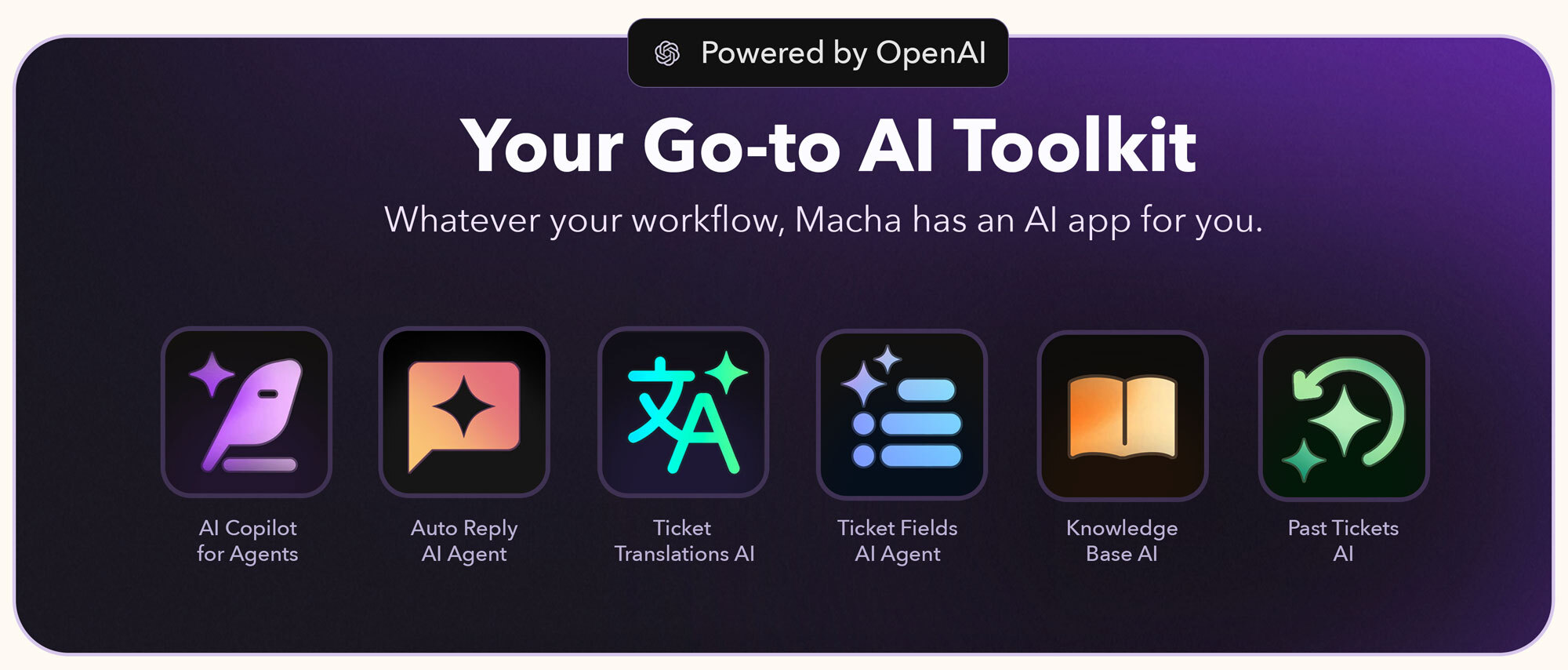
Explore the complete Macha AI app suite
Discover all our Zendesk apps here: Macha AI App Suite
Got questions?
Just book a demo or on-boarding session with us.
Or write to us.
Learn more about us at getmacha.com
Data Security at Macha AI
We prioritize data security to ensure your information remains safe. Here's how we protect it:
- Minimal Data Storage: We only save what's essential — AI-generated replies — while excluding customer details and ticket data.
- Strict Data Encryption: All stored data, including configuration and knowledge settings, is fully encrypted for maximum security.
- PII Redaction: Any personally identifiable information (PII) is automatically redacted before data is stored.
View our Privacy Policy.
Learn about our Security.
Learn how we Protect and Process Data.
Detalles de la aplicación
Cómo instalar
Just 3 Simple Steps to Go Live
Install the Auto Reply AI Agent by Macha app.
Open any Zendesk ticket → open the Auto Reply AI Agent app from the right sidebar → connect your account.
Open the dashboard from your Zendesk sidebar (left panel icon) and follow the 2-minute onboarding.
That's it — setup takes less than 10 minutes.
Pricing
View plans at getmacha.com/pricing
Need support?
Email us at support@getmacha.com
Déjanos una reseña
Comparte tu experiencia con el resto de la comunidad Zendesk