Zendesk vs. Loris AI
Discover why Zendesk QA offers superior support, scalability, and security compared to Loris AI. Start your Zendesk free trial today.
Última actualización el September 17, 2025
Zendesk vs. Loris AI: Which is better?
Quality assurance (QA) is a critical part of your customer support workflow, but how can you be sure of the quality of your QA solution? After all, poor QA tools can lead to missed opportunities to satisfy your customers, impacting your business in the long term.
If you’re seeking high-quality QA software, chances are you’ve come across both Zendesk and Loris AI. But when it comes to Zendesk vs. Loris AI, which is better?
Zendesk QA provides seamless integration and visibility across all channels within the broader Zendesk ecosystem. Meanwhile, Loris AI offers QA logic and conversation insights, but doesn’t include the integration potential and comprehensive features Zendesk offers.
Zendesk consistently delivers faster ROI, high-level security, and customizable QA and insights. This article delves into the similarities and differences of Loris AI vs. Zendesk to help you determine which is best for your business.
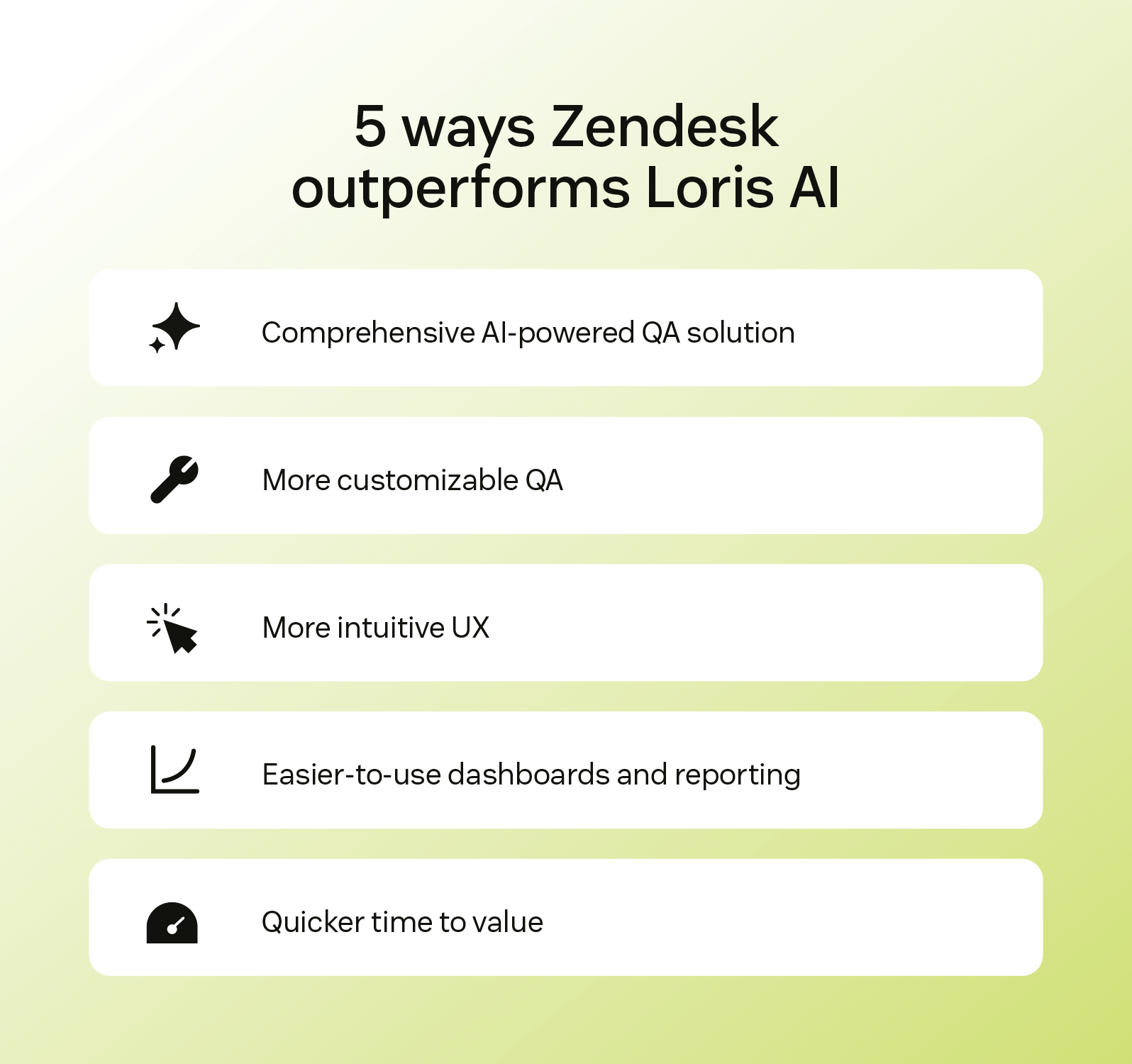
Complete AI-powered QA solution
Zendesk QA leverages AI to review all of your customer conversations automatically across channels, including voice and AI agent interactions, so your team can discover and address issues right away. While Loris AI also automates QA, it focuses more on scoring conversation policies than wholly integrated coverage across workflows.
Customizable QA
Zendesk allows you to create your own custom AutoQA categories and Spotlights, or, if you want to save time and effort, you can use the built-in filters. Custom categories can either be used to look for specific actions, words, or phrases, like ‘did the customer mention switching to an agent’ or ‘did the agent offer an appropriate discount to a customer’. Adding custom categories lets you tailor your QA scoring without any coding required. With Loris, you can develop QA categories based on phrases, metrics, or transcripts, but it doesn’t offer as much rubric design flexibility.
Intuitive UX
The Zendesk QA interface seamlessly integrates into your support workflow, letting reviewers score messages, leave feedback, and keep track of agent performance within a single workspace.
Loris also provides dashboards and tracking tools, but it requires you to switch between sections of the system, and it doesn't offer the same level of built-in review features as Zendesk.
Easy-to-use dashboards and reporting
Zendesk provides intuitive dashboards that let your team track trends, customer sentiment, and performance—no additional tools required.
While Loris also offers agent-level metrics and insights from conversations, they’re more attached to QA policy performance. It requires additional setup to match the out-of-the-box features of Zendesk.
Quicker time to value
Zendesk QA is fully native, which means that once it’s activated, you can start using AutoQA right away. Loris offers deployment of its AI models, but getting fully onboarded requires additional setup, policy implementation, and configuration.
More in this guide:
- At-a-glance comparison: Zendesk vs. Loris AI
- Zendesk vs. Loris AI: Features comparison
- Zendesk vs. Loris AI review: Pricing breakdown & cost comparison
- Customer stories
- Frequently asked questions
- Ready to try Zendesk?
At-a-glance comparison: Zendesk vs. Loris AI
The table below gives you a picture of how Zendesk and Loris AI compare. Take a look to learn how each stacks up against the critical features you need.
|
Critical capabilities |
Zendesk |
Loris AI |
|
Native integration |
|
|
|
Custom prompt-based QA |
|
|
|
AI-powered conversation insights |
|
|
|
Browser extension |
|
|
|
Coaching and feedback |
|
|
|
Sentiment detection |
|
|
|
Voice QA |
|
|
Zendesk vs. Loris AI: Features comparison
Here are deeper breakdowns of how the major QA features of Zendesk and Loris AI compare..
Native integration
Discover the power of Zendesk for service. |
Zendesk includes QA directly within the Zendesk universe. This means that conversations flow into QA straight away without a complex setup. You can also use scoring, coaching, and filtering immediately. QA processes can be part of your standard workflows, not an additional layer of work. Loris AI provides QA through conversation policies and metrics, but if you want to integrate quality evaluation features, it will require additional setup or APIs; it’s not plug-and-play. |
Custom prompt-based QA
|
Zendesk allows you to create custom Auto QA categories and Spotlight insights with simple prompts across channels, including AI and voice—no coding or advanced model training knowledge required. Whatever you want it to analyze, simply set up the prompt, and Zendesk will identify escalations, outliers, risks, and more. Loris AI lets users create QA policies from transcript rules and NLP models, but it requires more manual effort upfront and ongoing policy management. |
Leverage AI-powered quality assurance with Zendesk QA. |
AI-powered conversation insights
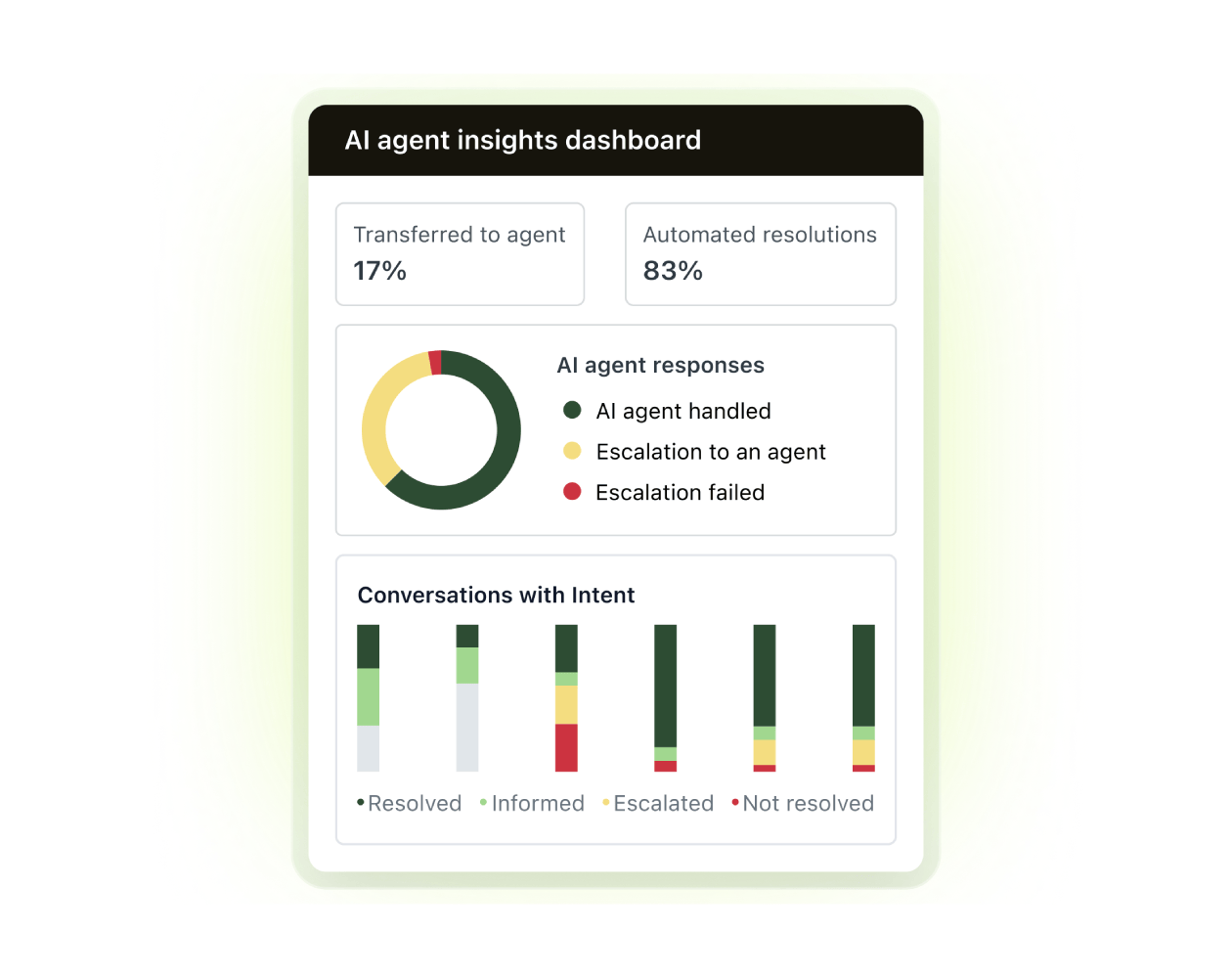
Access real-time insights with Zendesk QA. |
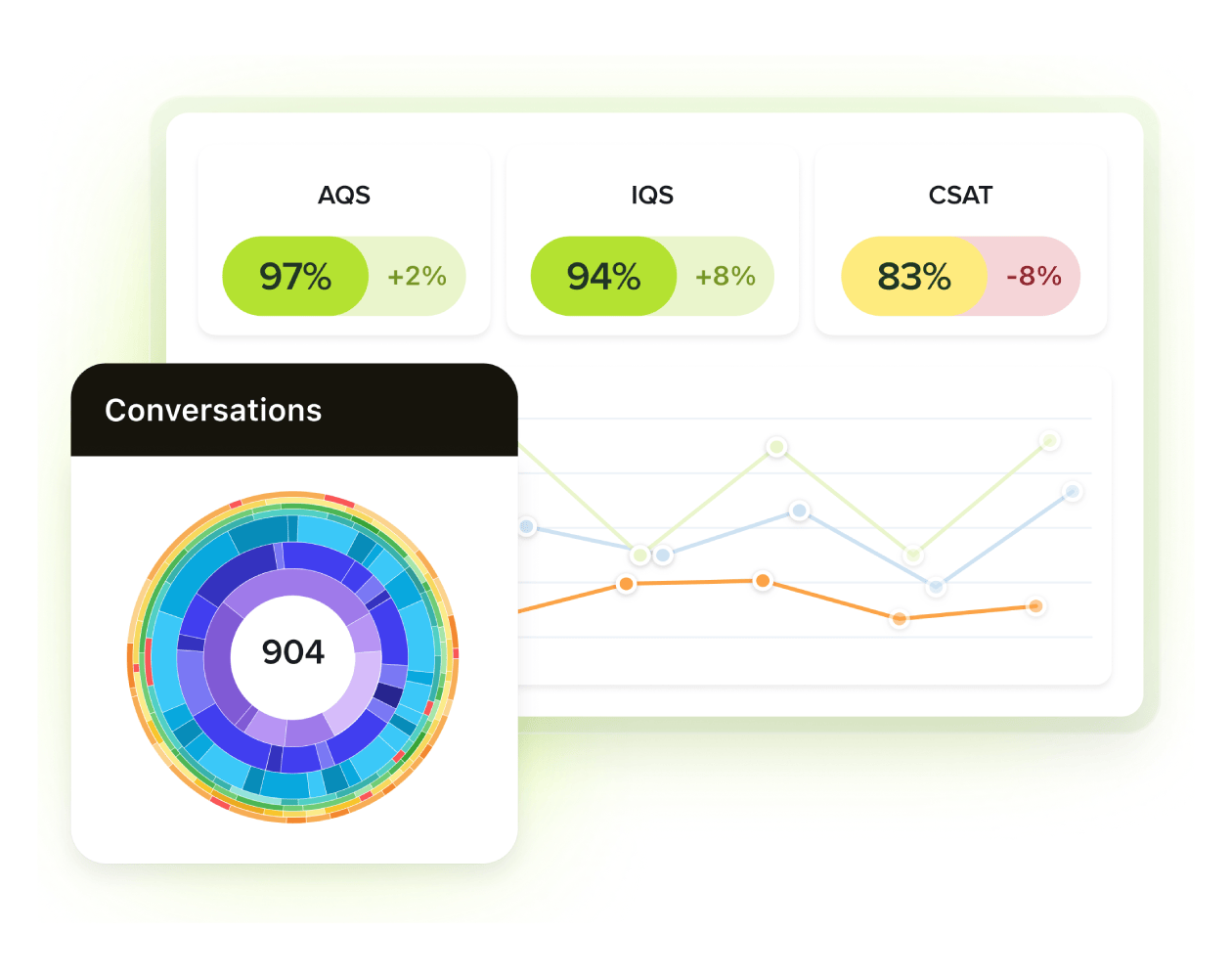
Zendesk gives you sentiment detection, escalation alerts, risk flags, and trend spotting. All this lies within an intuitive dashboard that tells you what you need to know and where to go from there. But these dashboards don’t just show QA info. You get all data—agent stats, bot performance, CSAT scores, and more—consolidated in a single place. Loris AI includes conversation summarization and resolution indicators through sentiment graphs and CQ scoring. While helpful, these features don’t allow as much proactivity. |
Coaching and feedback
|
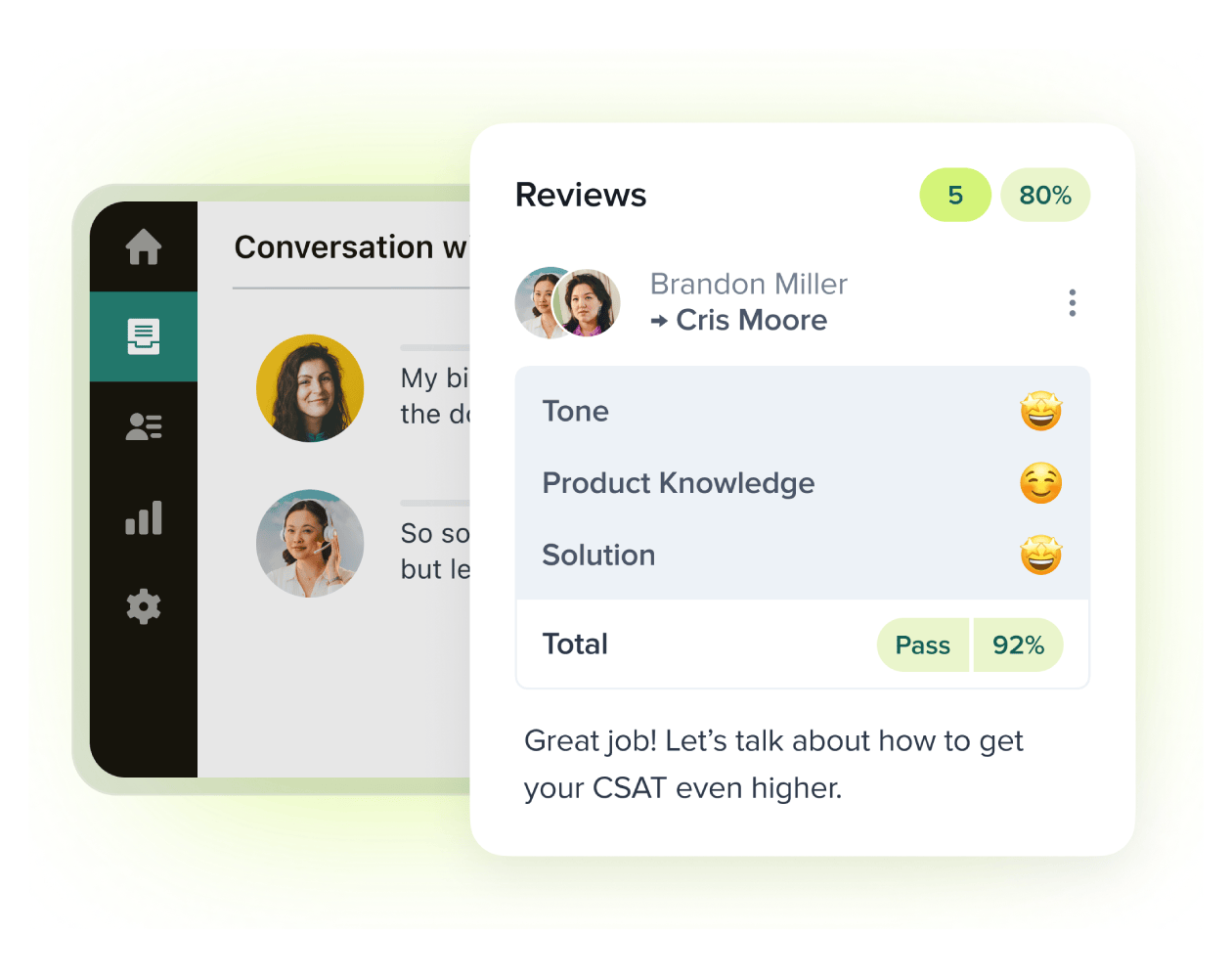
Zendesk offers built-in reviewer tools so you can score messages, leave comments, pin relevant tickets, tag information, and track agent activity and performance in the dashboard. As AutoQA analyzes each interaction and follows your prompts to identify issues, you’ll get systematic feedback that helps you provide specific coaching and training to your team—all in one solution. Loris AI includes Scout, which assigns relevant conversations so users can conduct coaching sessions on demand. From there, you have to deliver feedback outside the main QA interface. |
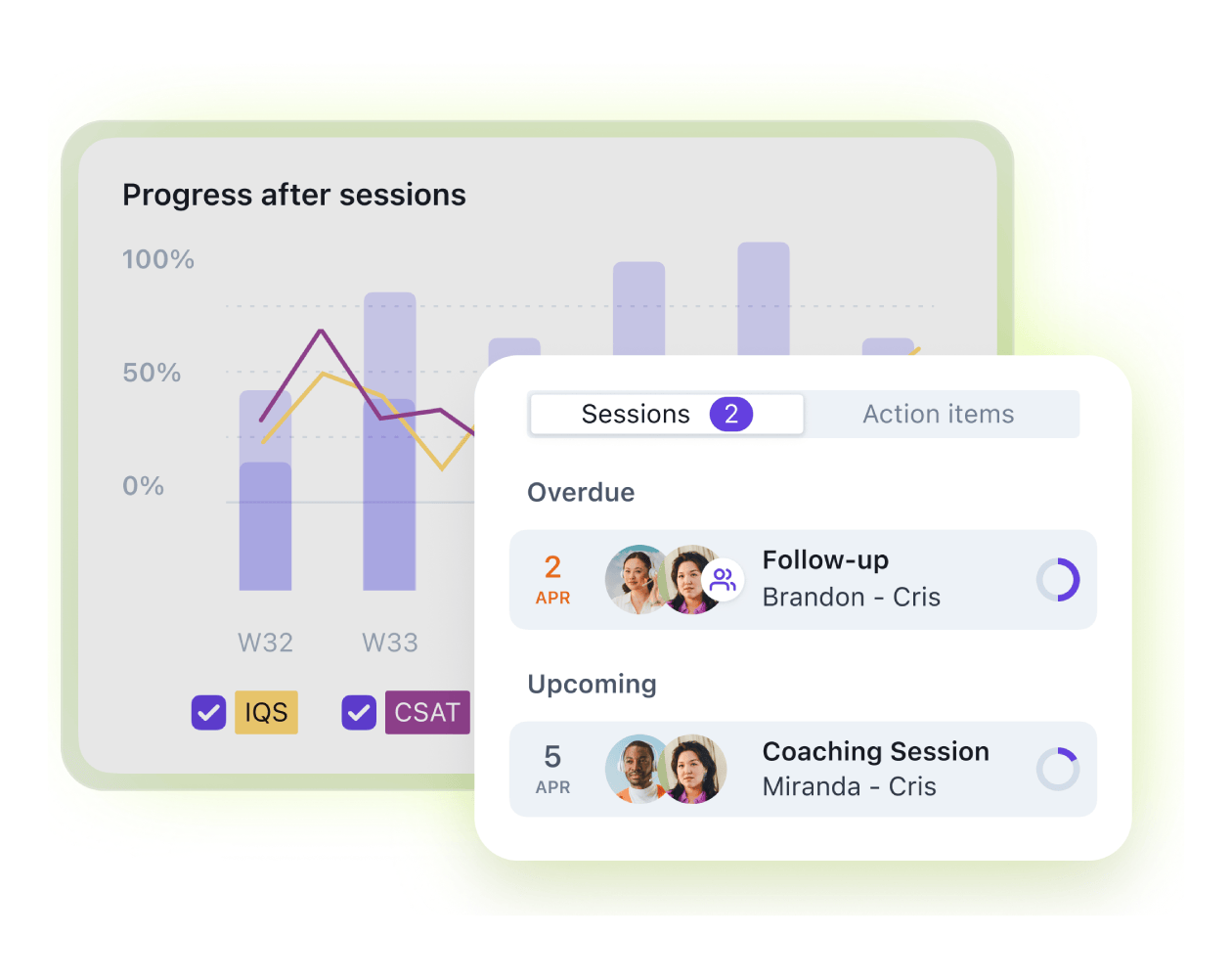
Streamline agent coaching and feedback with Zendesk WEM. |
Sentiment detection
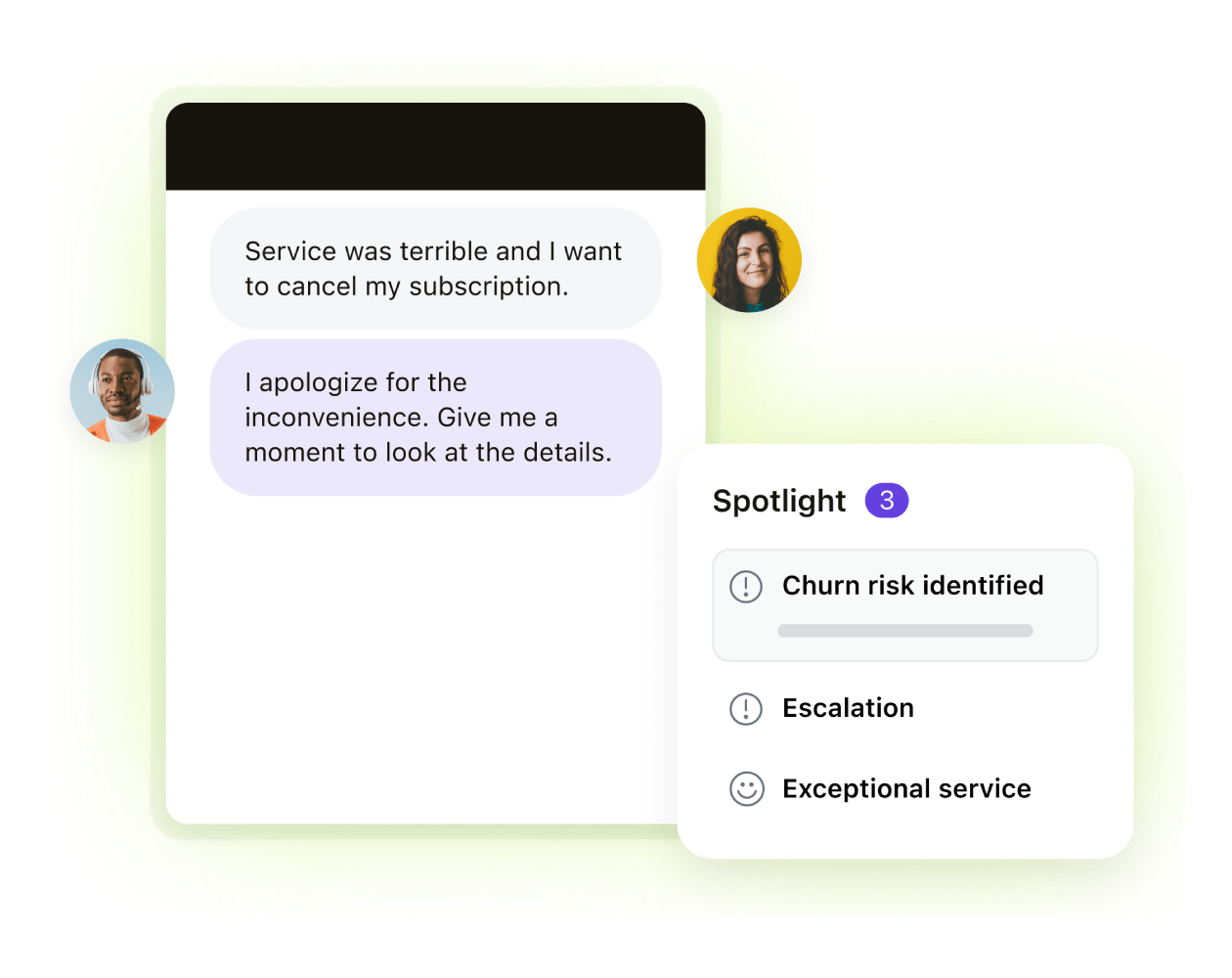
Automatically detect customer sentiment with Zendesk AI. |
Zendesk offers sentiment scoring together with tone and empathy detection. Negative or positive sentiment is flagged both in conversation as well as on the dashboard, so you can access everything in a single system. This helps ensure you don’t miss important context and can address systemic issues or training needs. Loris AI provides sentiment graphs to analyze sentiment during calls and chats, but they aren’t integrated into the broader QA pipeline. Some users also report concerns about the accuracy of sentiment detection. |
Voice QA
|
Zendesk offers Voice QA, using speech-to-text technology to automatically transcribe calls and summarize interactions. You can flag things like dead air, repetition, or missing disclosures without manually listening to every call, so you can keep your QA consistent across channels. Plus, Voice QA exists within the same QA workflow as other channels, so you can keep everything streamlined. Loris AI lets users leverage voice sentiment and CQ analysis, but lacks full voice QA support in its standard QA feature set. |
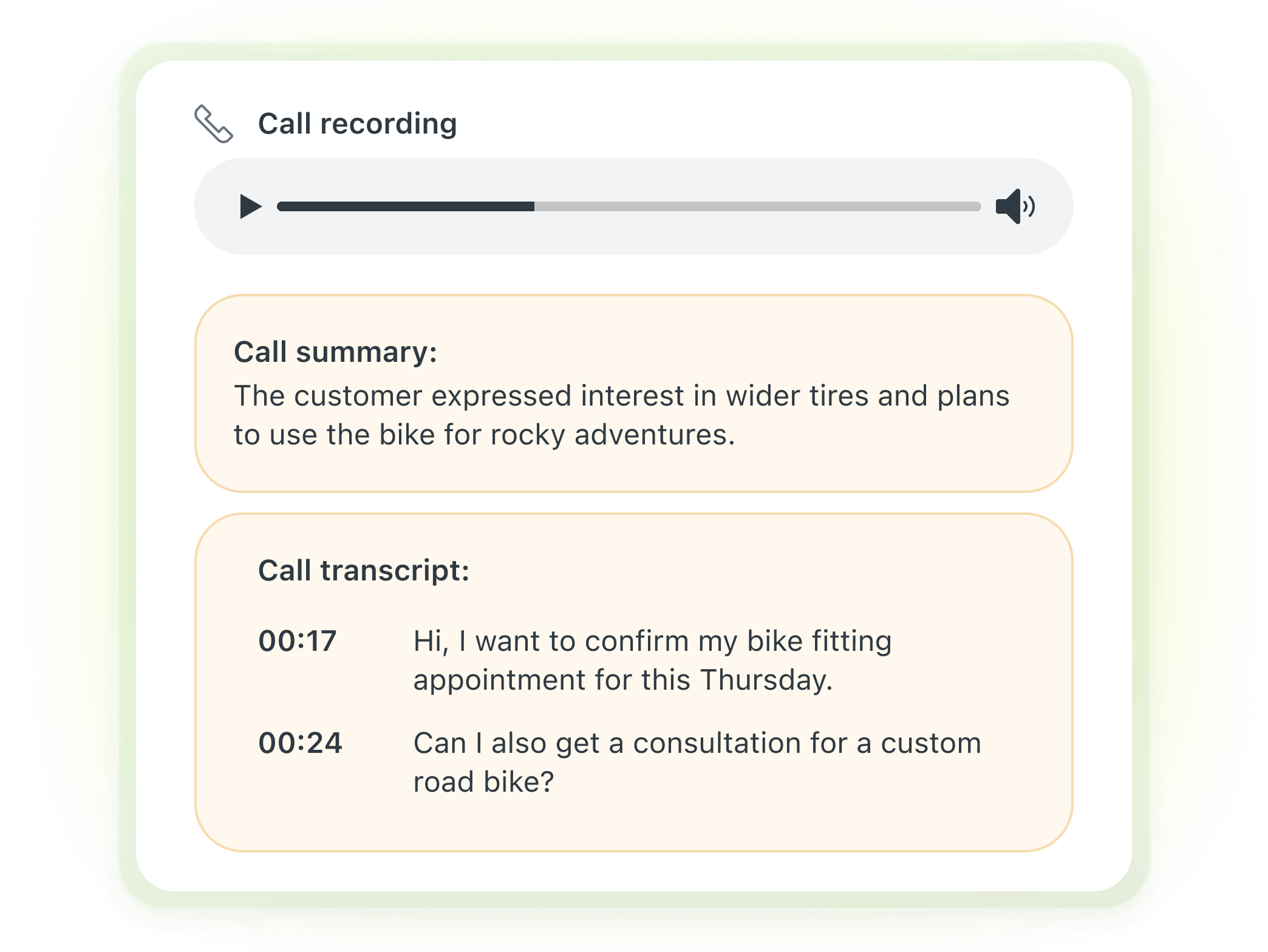
Elevate the quality of your customer support with Voice QA. |
Zendesk vs. Loris AI review: Pricing breakdown & cost comparison
|
Zendesk |
Loris AI |
|
Contact Loris AI for pricing. |
|
*Plans are billed annually. |
Zendesk QA offers transparent pricing and an extensive suite of AI capabilities, Voice QA, insights, and integrations, all included in a single offer. This helps you avoid mix-and-match costs, surprise add-on pricing, or getting stuck with high costs and limited features, which can be a risk with other customer service QA software.
Because Loris AI doesn’t offer native QA integration, users have to purchase additional modules beyond the basic system. While prices aren’t publicly shared, add-on capabilities will likely incur a higher cost.
Customer stories
Hear directly from customers who have benefitted from Zendesk.
CityGo

“Customer service teams need the right tools to work at their best. Using spreadsheets, my quality manager lost a lot of time each month. Zendesk QA offers the possibility for the whole team to participate; it gives voice to your team.”
—Michael (Micka) Buczynski, head of customer service at CityGo
FirstKey
“We use Zendesk across the entire organization. [...] Now we have AI. These new technologies—I think the QA is brilliant, and I think that Zendesk coming out with QA for AI is just mind-blowing.”
—Crystal Shepherd, workflow automation and analytics manager at FirstKey
Avianca

“There are two [Zendesk] solutions that I am really excited about: AI agents and QA. With those two solutions, we’re definitely anticipating significant improvements in the way that we will interact with our customers. I believe QA is a game-changer.”
—Juan Sebastian Rodriguez, customer service and contact center director at Avianca
Frequently asked questions
Ready to try Zendesk?
Zendesk QA is an all-in-one solution for enterprise quality management software. With 100 percent conversation coverage, custom scoring, proactive insights, and Voice QA, you get everything you need in one secure and scalable solution—no integrations or add-ons required. Choose Zendesk for quick time to value, limited system switching, and excellent support.