Ada
Ada is a beautiful and highly customizable theme for Zendesk Guide. It is designed to serve as a solid foundation on which to build an amazing knowledge base for your customers.
Diseñador
Zenplates, Zendesk Partner
About this theme
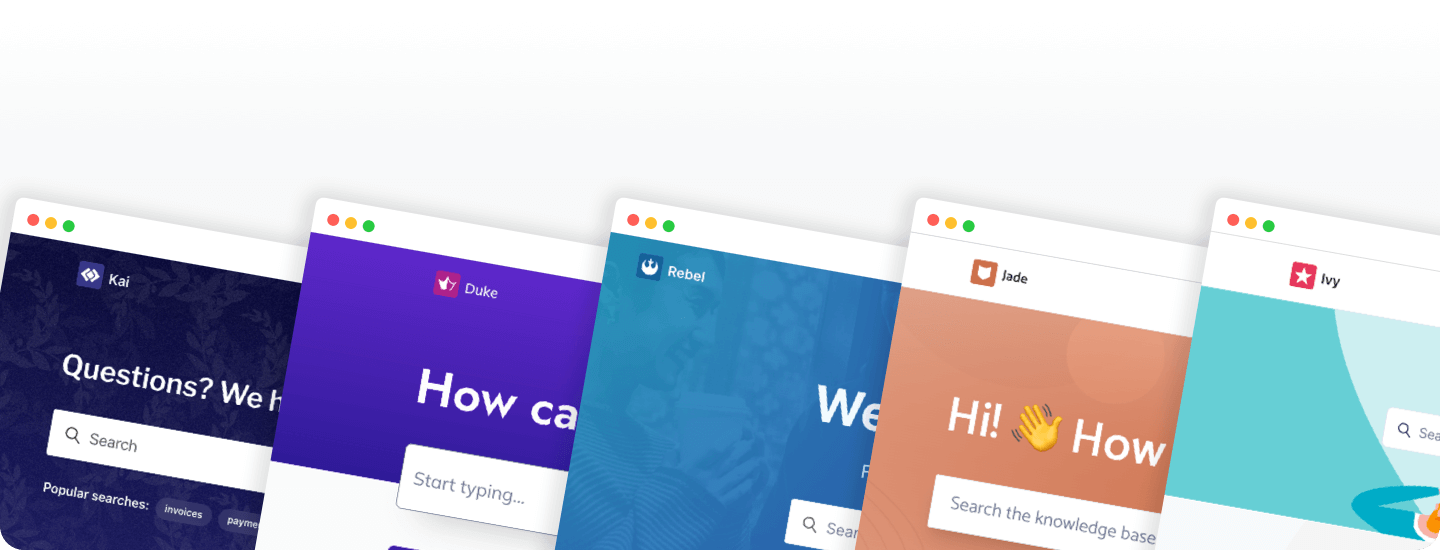
Ada is a beautiful, professionally designed Zendesk theme that's packed full of features, including a responsive tabs-style navigation element, custom blocks in a variety of styles, call-to-actions and much more. Everything can be branded and customized without code, making it easier than ever to launch a new help center that will delight your customers.
One theme, unlimited possibilities
Premium functionality that would normally cost thousands of dollars is included for free so you can get the very most out of the theme and your Zendesk help center. Discover what makes Ada different today by starting a free 14 day trial!
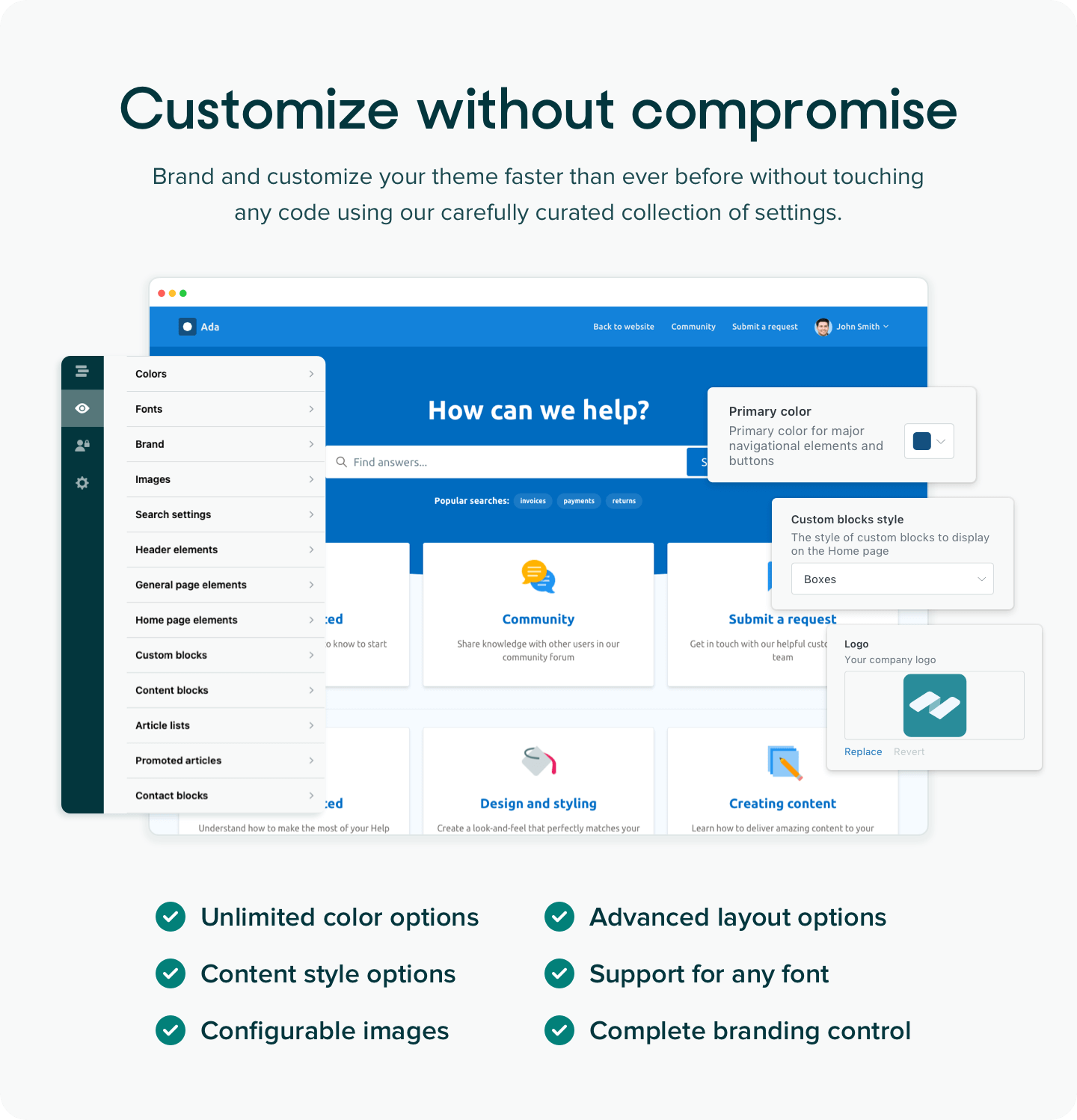
Not a developer? Not a problem! Branding and customizing our themes is easy.
We've pushed theme settings to the absolute limit, giving you the ability to completely change the look-and-feel of your help center to match your company brand guidelines through no-code configuration. Our team has made the tough design decisions so you can focus on what's important: delivering an amazing help center and self-service experience to your customers.
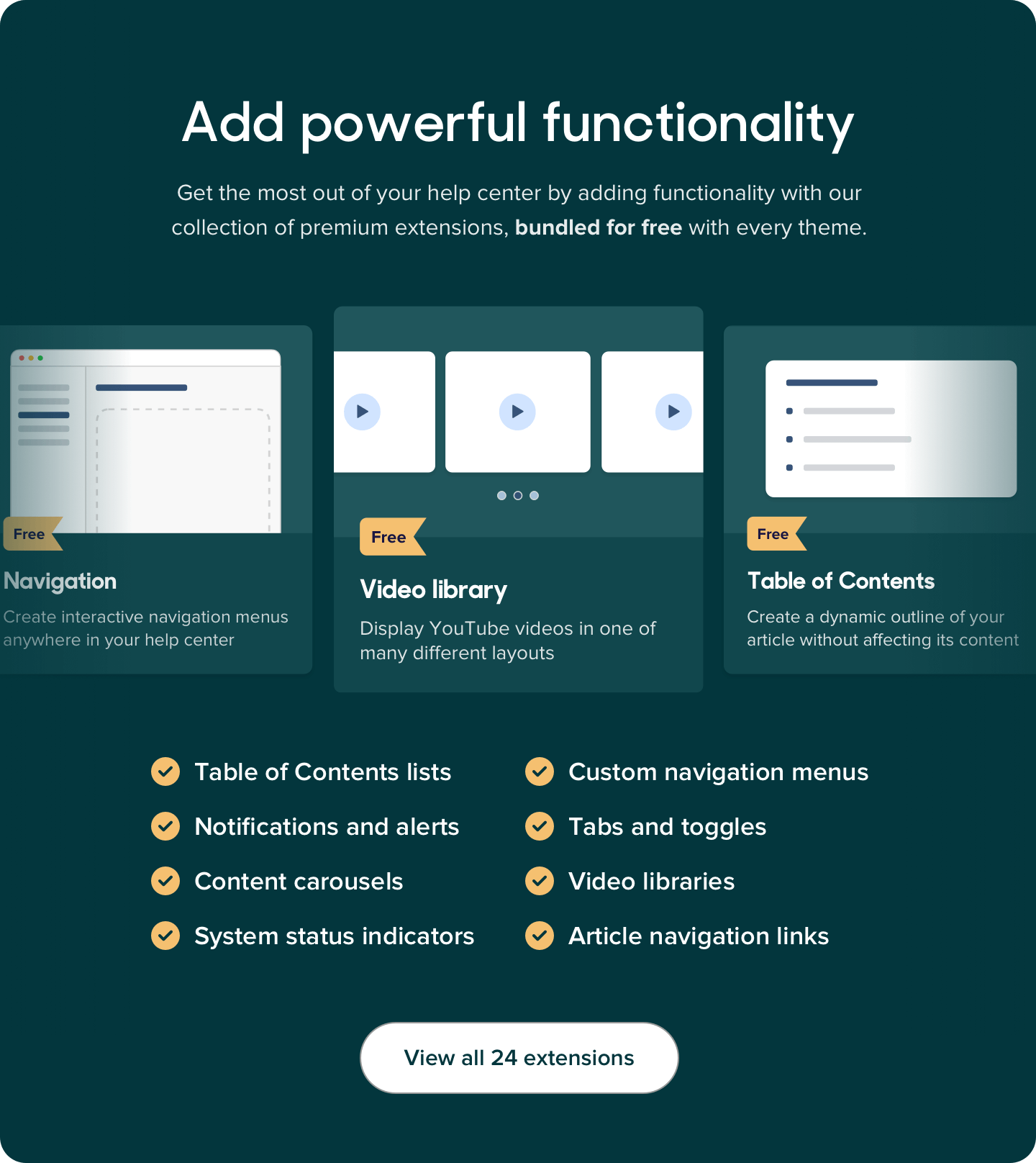
All of our themes include our collection of premium extensions for Zendesk Guide for free. Advanced navigation options, video library functionality, configurable notification and more can be added with a click and, best of all, absolutely everything can be customized. Why pay hundreds or even thousands of dollars for advanced functionality when you can get it for free with every one of our themes?
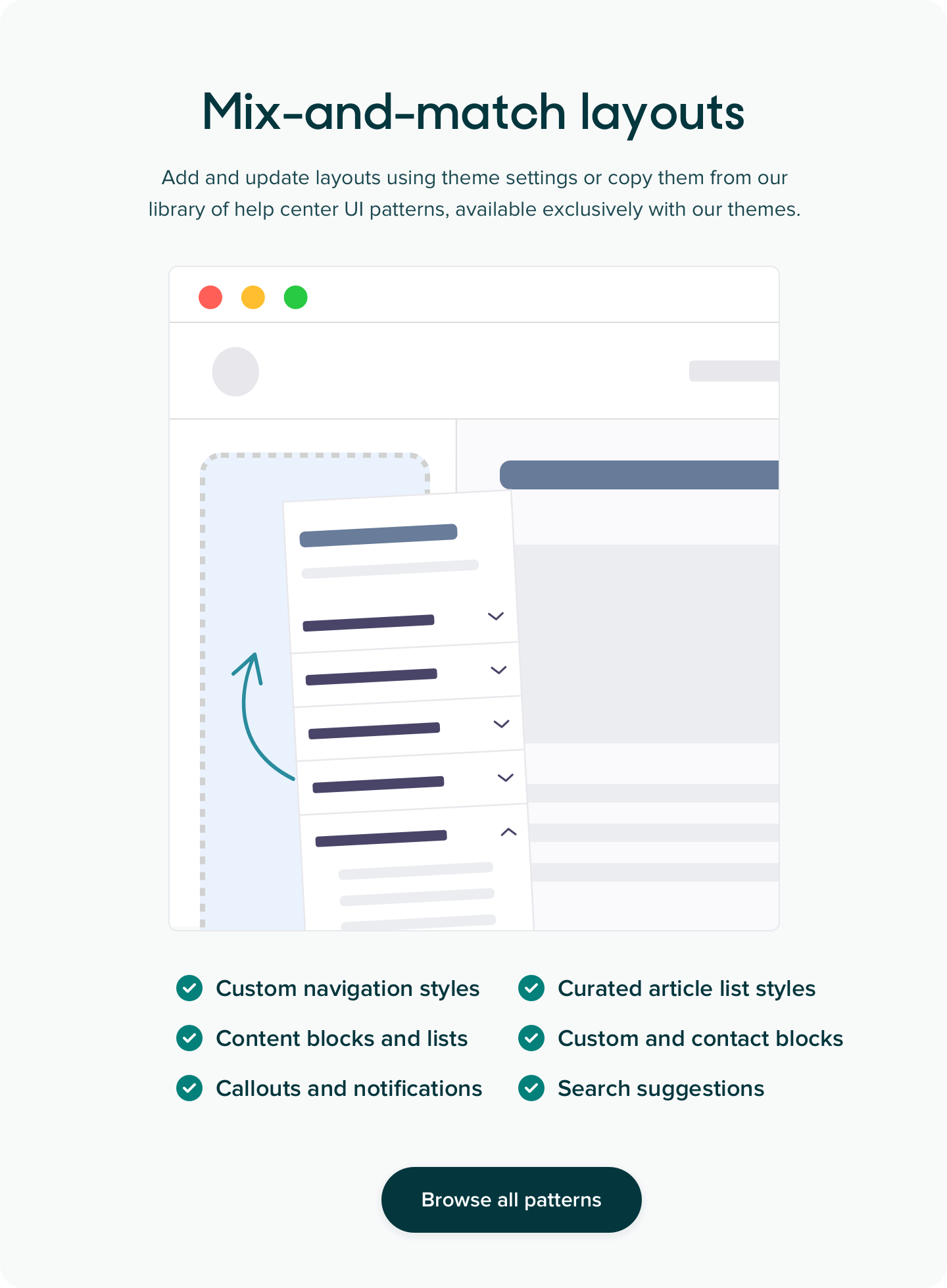
Our premium Zendesk themes are unique in that they're built on top of a powerful theming framework that allows elements and even entire layouts to be easily copied and pasted from our ever-growing library of help center UI patterns. You will not find this level of flexibility or control anywhere else!
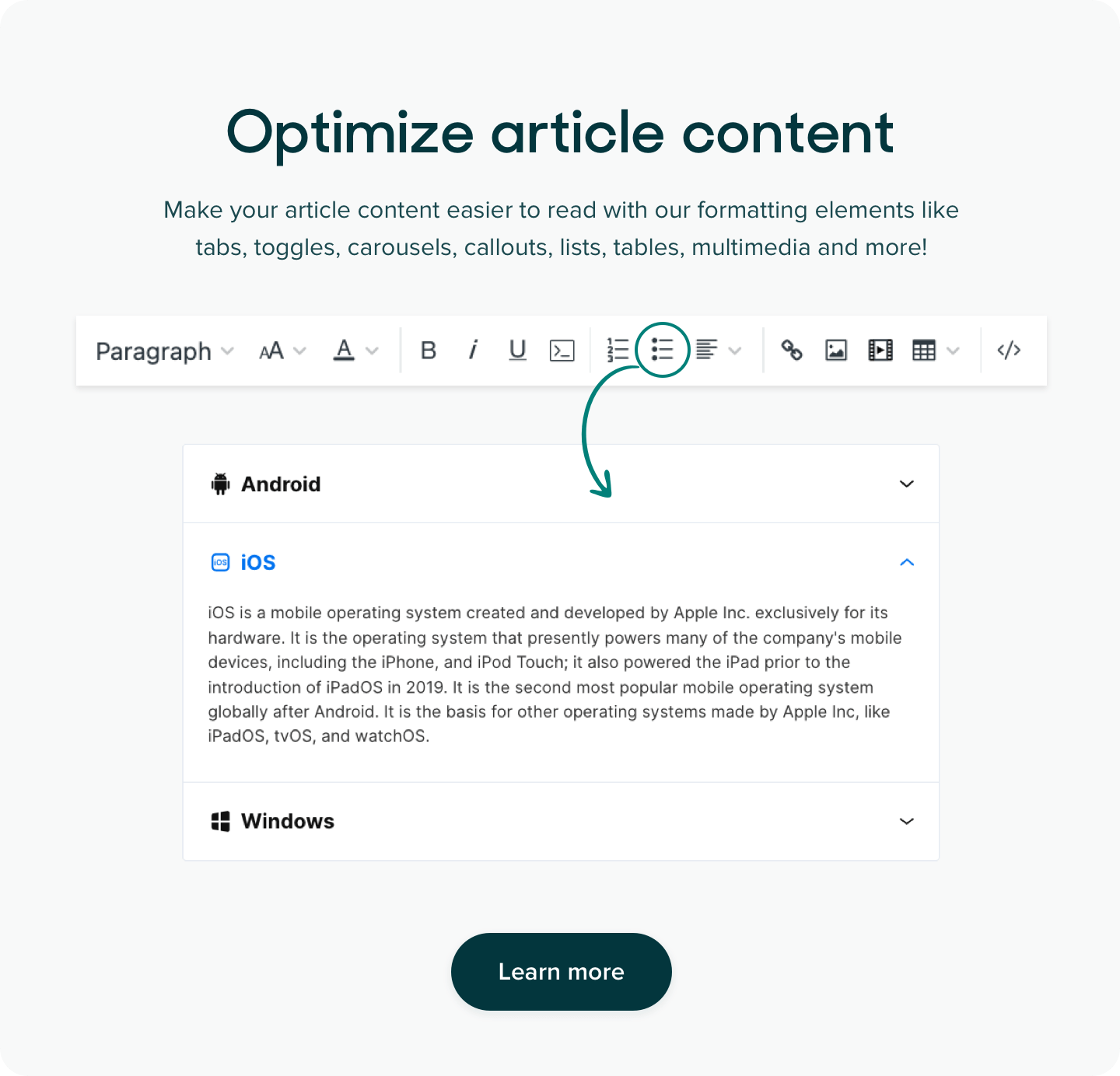
It's not just the page layouts that get special treatment. Our range of content and interactive elements like tabs, toggles and carousels apply structure to your articles making them more accessible and attractive to your visitors.
Designed and built by professionals
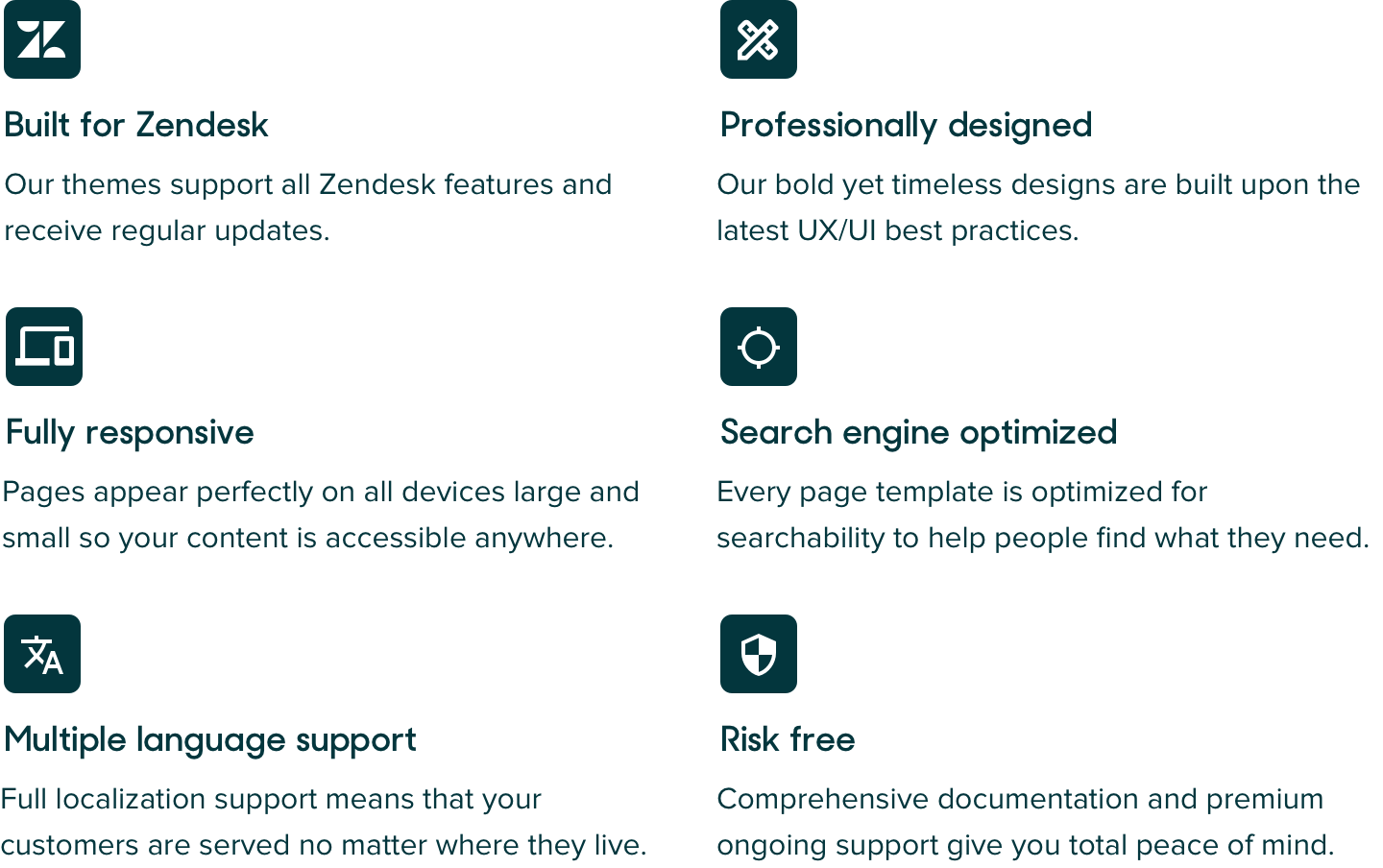
The quality of our themes goes well beyond what you and your customers see. Our themes are built to the latest web, UX and accessibility standards by top-notch web developers. As a result, they are fully responsive, accessible and easy to maintain and extend.
Trusted by the best
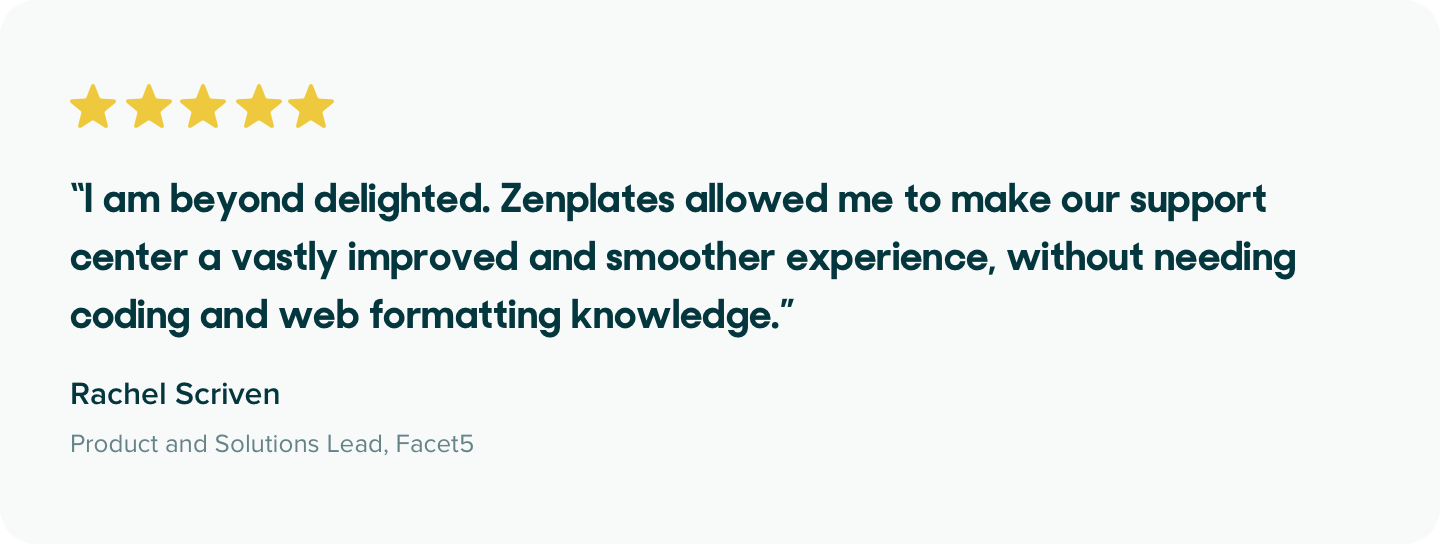
Our themes and extensions are used by thousands of companies around the world just like yours. The quality of our software, service and support is second to none and evident from our 5 star average rating in the Zendesk Marketplace.
We also design and build custom Zendesk themes and apps and have partnered with hundreds of companies to bring their help center visions to life. If you’re looking for a professionally developed custom theme along with expert advice and guidance around UX best practices, we’d love to hear from you.
Support when you need it
Our friendly support team is available to help answer your questions at any time in a fast and friendly manner because free ongoing premium support is included with every purchase. We also offer extensive documentation and guides covering common theme branding and customization activities on our website.
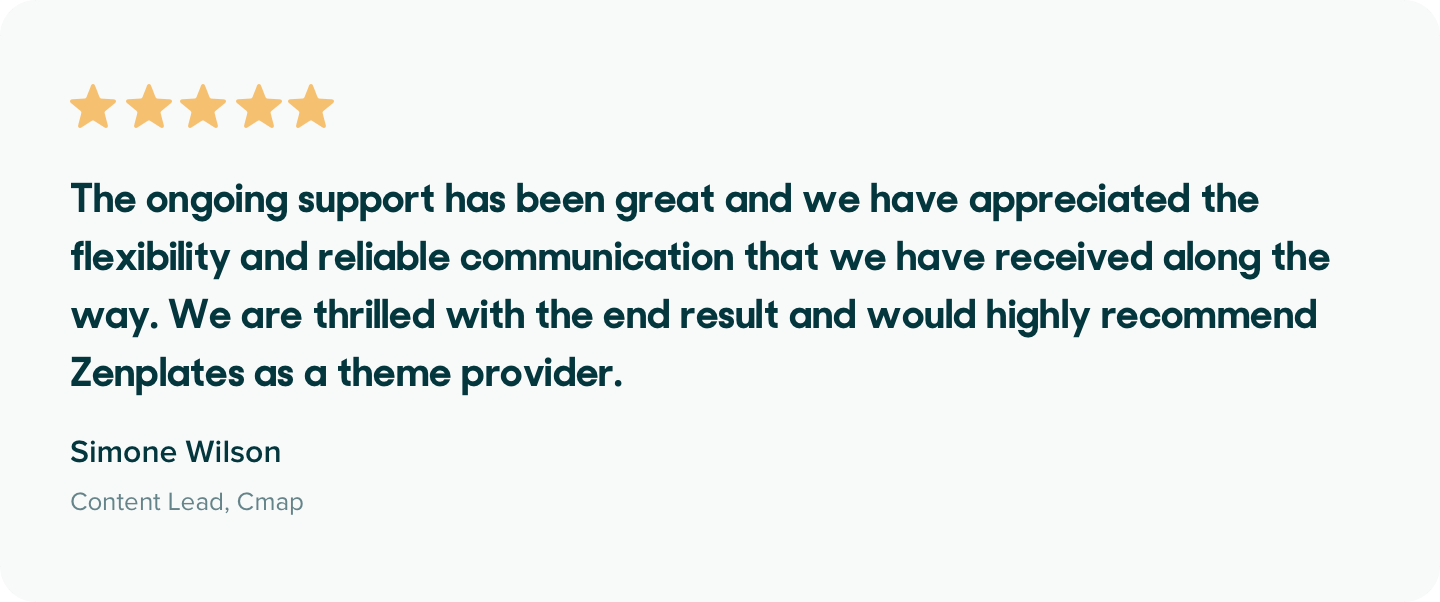
We stand by our products and offer a lifetime warranty on all themes, extensions and custom work giving you complete peace of mind.
No hidden costs or restrictions
All of our prices are one-off and there are absolutely no ongoing costs. We also don't place any restrictions on how you can use your theme, as a free multi-brand license is included with every purchase.
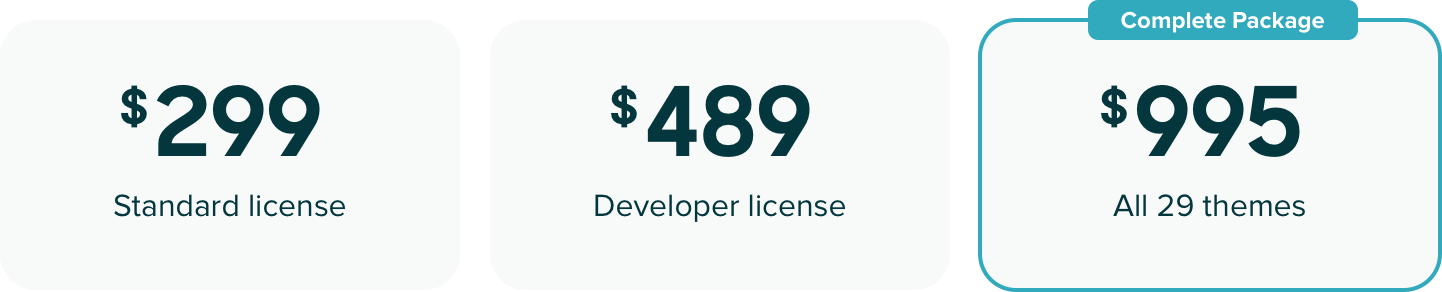
You can now also get our collection of 29 themes for just $995, exclusively through our website!
Our Complete Package of premium Zendesk themes gives you access to all of our themes, including future releases, saving your thousands of dollars. Now you can take the stress out of choosing a theme, create multiple branded help centers, copy elements or pages between themes or simply change themes more often without having spend anything more.
Detalles de tema
Déjanos una reseña
Comparte tu experiencia con el resto de la comunidad Zendesk