Best contact center solutions in 2026
Find your ideal scalable, AI-powered contact center solution and elevate your customer service for 2025–try Zendesk for free.

Última actualización el October 14, 2026
A guide to the 18 best contact centers
The best contact center software is a sophisticated, AI-powered hub that orchestrates seamless customer interactions across every touchpoint. Businesses handle mountains of interactions daily through voice, chat, email, and social media—thousands of tickets, or even more. Choosing the right contact center solution can be the difference between angry customers and loyal advocates.
To find your ideal contact center that will help your team deliver exceptional customer service at scale, look for a tool that combines intelligent automation with human expertise. It should help you deliver personalized service while empowering your people with intuitive, unified workspaces and real-time insights.
Whether you’re a startup seeking your first phone system or an enterprise looking to modernize legacy infrastructure, find the best contact center solution that aligns with your unique budget and growth trajectory.
More in this guide:
- What is a contact center?
- Contact center comparison chart
- The 18 best contact centers
- Features of the best contact centers
- How to choose the best contact center solution
- Frequently asked questions
- Deliver more impactful customer service with Zendesk
What is a contact center?A contact center is a centralized hub where organizations manage all customer interactions across various communication channels, such as phone, email, chat, and social media. It is designed to handle customer service, support, and sales inquiries efficiently. Contact centers often use specialized software to route inquiries, track performance, and provide analytics. They can be operated in-house or outsourced to third-party providers. |
Contact center comparison chart
Take in the pricing options and use cases for these top contact center options.
|
Software |
Starting price |
Free trial |
Best for |
|
Zendesk |
$50 per agent/month (billed annually) |
Enterprise-grade contact centers with unified AI-powered service | |
|
Genesys Cloud |
$75 per user/month (billed annually) |
Contact Genesys |
Large-scale omnichannel deployments |
|
Cisco Webex |
Contact Cisco |
Contact Cisco |
Organizations already using Cisco infrastructure |
|
Avaya OneCloud |
$20 per user/month (billed annually) |
Contact Avaya |
Companies transitioning from legacy systems |
|
Amazon Connect |
$0.018 per minute (voice), $0.004 per message (chat) |
Limited free tier for 12 months |
Builder-friendly innovation |
|
Five9 |
$119 per user/month |
Unavailable |
Basic workforce management needs |
|
RingCentral |
$20 per user/month (billed annually) |
7 days |
Small business communication consolidation |
|
8x8 |
Contact 8x8 |
Contact 8x8 |
International calling requirements |
|
Freshcaller |
Free |
14 days |
Budget-conscious small businesses |
|
Talkdesk |
$85 per user/month (billed annually) |
Contact Talkdesk |
Companies prioritizing analytics over service quality |
|
NiCE CXone Mpower |
$71 per agent/month (billed annually) |
Unavailable |
Performance monitoring-focused teams |
|
LiveAgent |
$15 per agent/month (billed annually) |
14 days |
Simple ticket management |
|
Twilio Flex |
$150 per named user/month (billed annually) |
5,000 user hours |
Companies with extensive developer resources |
|
Vonage |
Contact Vonage |
14 days |
Custom API development projects |
|
ServiceNow |
Contact ServiceNow |
Unavailable |
IT-centric service desk operations |
|
Salesforce Service Cloud Voice |
$150 per user/month (billed annually) |
30 days |
Existing Salesforce CRM users |
|
Microsoft Dynamics 365 |
$95 per user/month (billed annually) |
1 month |
Microsoft-only environments |
|
Aircall |
$30 per license/month (billed annually) |
14 days |
Basic sales call tracking |
*All prices are in USD.
The 18 best contact centers
Read on to explore these virtual contact center solutions and contact center as a service (CCaaS) tools in more detail. Plus, learn how you can try the best contact center solution for free.
- Zendesk: Best for enterprise-grade contact centers with unified AI-powered service
- Genesys Cloud CX: Best for large-scale omnichannel deployments
- Cisco Webex: Best for organizations already using Cisco infrastructure
- Avaya OneCloud: Best for companies transitioning from legacy systems
- Amazon Connect: Best for builder-friendly innovation
- Five9: Best for basic workforce management needs
- RingCentral: Best for small business communication consolidation
- 8x8: Best for international calling requirements
- Freshcaller: Best for budget-conscious small businesses
- Talkdesk: Best for companies prioritizing analytics over service quality
- NiCE CXone Mpower: Best for performance monitoring-focused teams
- LiveAgent: Best for simple ticket management
- Twilio Flex: Best for companies with extensive developer resources
- Vonage: Best for custom API development projects
- ServiceNow: Best for IT-centric service desk operations
- Salesforce Service Cloud Voice: Best for existing Salesforce CRM users
- Microsoft Dynamics 365: Best for Microsoft-only environments
- Aircall: Best for basic sales call tracking
1. Zendesk
Best for enterprise-grade contact centers with unified AI-powered service
|
Starting price |
Free trial |
Key features |
|
$50 per agent/month (billed annually) Explore more Zendesk pricing plans. |
|
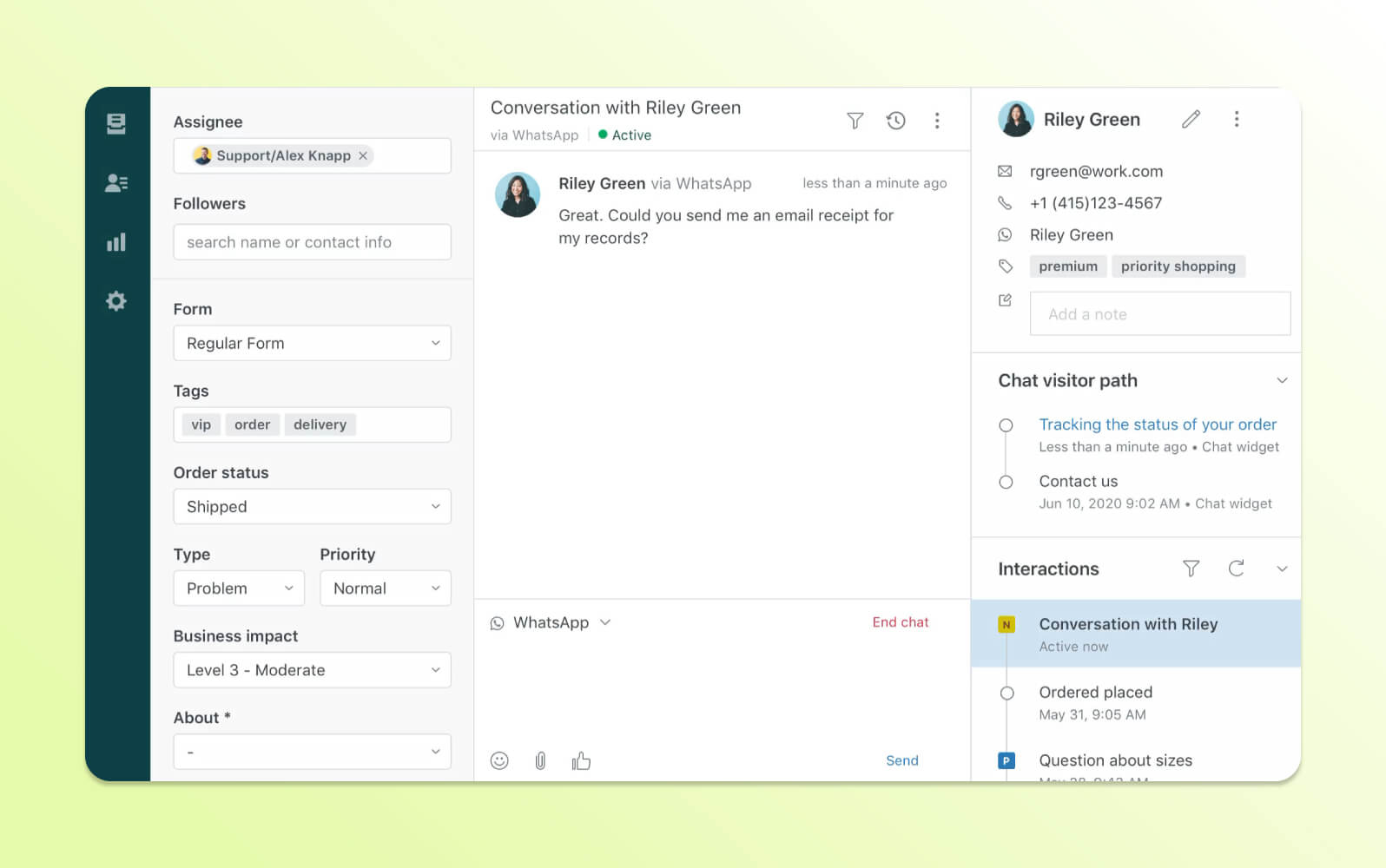
Zendesk offers a comprehensive contact center platform that prioritizes human first support while connecting artificial intelligence and traditional customer service tools together in a practical package. Designed for customer service leaders and managers who need reliable performance, Zendesk supports both voice and digital channels from a single interface.
With seamless Amazon Connect integration, businesses can quickly deploy contact center capabilities without complex configuration. All customer communications—phone, chat, email, or self service—are connected in one place, so agents can see every interaction and pick up conversations without losing context.
Zendesk CC platform supports comprehensive inbound and outbound calling capabilities with intelligent routing and predictive dialer functionality, complemented by advanced IVR software, live transcription, real-time sentiment analysis, and automatic call deflection features.
The unified agent workspace provides representatives with complete customer context and integrated case management tools in one interface, eliminating the need to switch between multiple applications. Case management and messaging platforms like Microsoft Teams or Slack, make it easier for teams to collaborate directly in the platform.
Support leaders get access to robust real-time dashboards and actionable analytics, enhanced by AI-driven quality assurance that automatically evaluates interactions and provides insights for further human and AI agent coaching.
Zendesk incorporates native workforce engagement tools for agent scheduling, performance management, and automated quality assurance. Even with so many features, it maintains the flexibility to adapt effortlessly as businesses growthrougheasy configuration and dynamic scaling capabilities, whether your team has 1 or 10,000 agents.
Security and compliance are key priorities, with Zendesk using AWS infrastructure to safeguard customer information and help meet regulatory requirements common in sectors like financial services, healthcare, and government.
With its intuitive omnichannelagent workspace design, fast implementation process, and effortless scalability, Zendesk simplifies customer service operations. By putting essential features in one platform and removing unnecessary complexity, Zendesk aims to help contact centers deliver consistent, reliable service, whether supporting a small team or a global operation.
|
Pros |
Cons |
|
|
What people are saying:
- “It is very user-friendly…It solves productivity and SLA issues within my contact center.”
- “The support team is A+++.”
- “The perfect tool for running your customer support organization.”
2. Genesys Cloud CX
Best for large-scale omnichannel deployments
|
Starting price |
Free trial |
Key features |
|
$75 per user/month (billed annually) |
Contact Genesys |
|
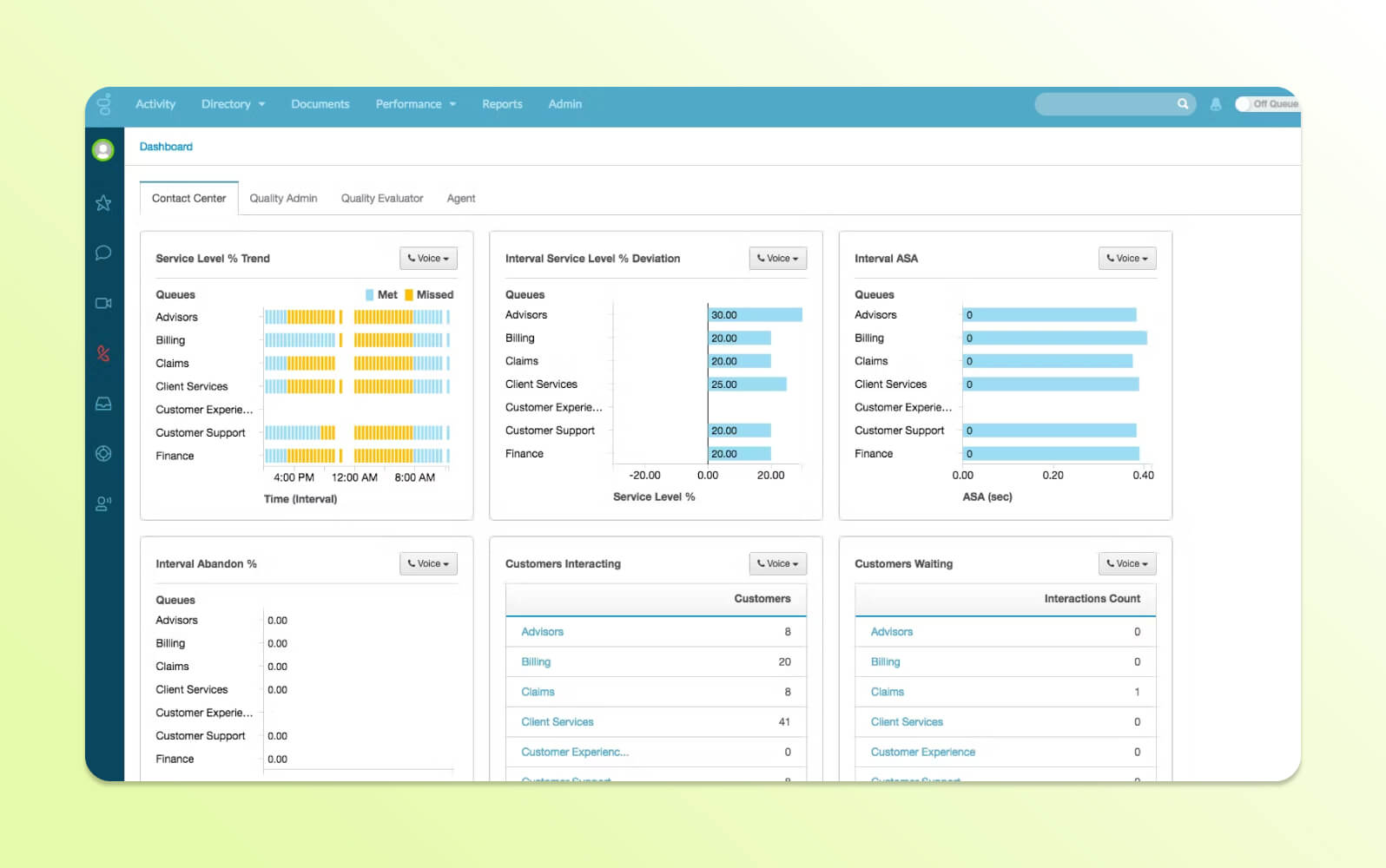
Genesys Cloud is a contact center platform that provides omnichannel customer service capabilities through a cloud-based infrastructure. The software enables organizations to manage customer interactions across voice, chat, email, social media, and messaging channels from a unified interface.
The tool offers routing algorithms, real-time analytics, and workforce management tools. Its enterprise-grade omnichannel orchestration capabilities allow businesses to create customer journeys across multiple touchpoints, with features including predictive dialing, quality management, and integration with CRM systems. The solution also provides automated callback options, sentiment analysis, and customizable dashboards for supervisors to monitor performance metrics.
|
Pros |
Cons |
What people are saying:
- “The platform is intuitive for agents and powerful for administrators.”
- “The lack of efficient bulk export capabilities has posed constraints for certain auditing and compliance activities.”
- “The prices for the solutions are very high, so many times, it is cheaper to integrate with an external solution than using the ones native to Genesys.”
Learn more: Discover how Genesys integrates with Zendesk and how Zendesk vs. Genesys compare.
3. Cisco Webex
Best for organizations already using Cisco infrastructure
|
Starting price |
Free trial |
Key features |
|
Contact Cisco |
Contact Cisco |
|
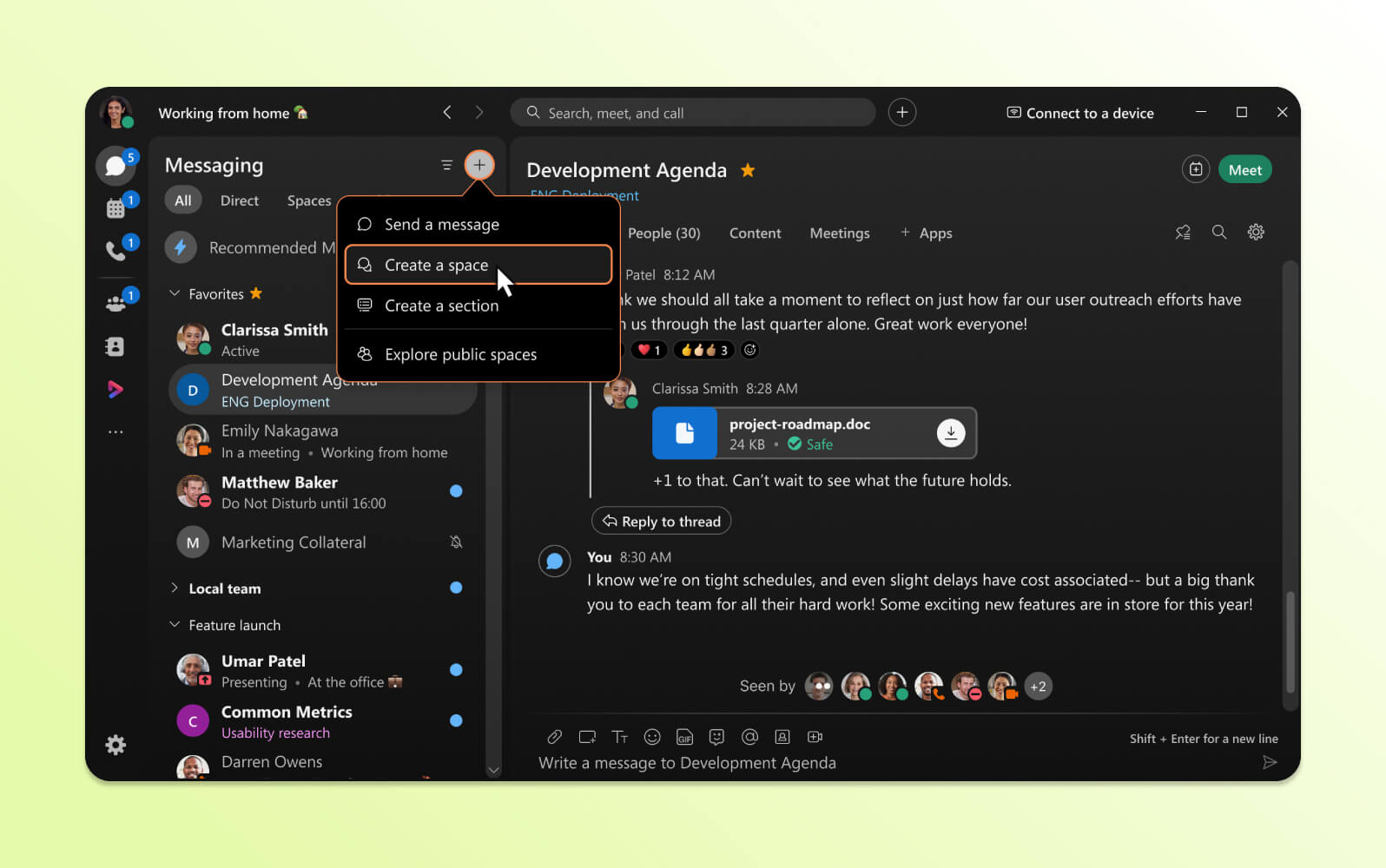
Cisco Webex Contact Center is a cloud-based customer service platform that integrates contact center functionality with Cisco's collaboration and communications ecosystem. The software provides agents with tools to handle customer inquiries across multiple channels while maintaining context and conversation history.
The platform includes unified communications integration, combining contact center operations with video conferencing, team messaging, and file sharing capabilities. Key features include intelligent routing, real-time reporting, campaign management, and workforce optimization tools. It offers pre-built integrations with business applications and provides APIs for custom development, allowing organizations to create customer service workflows that leverage Cisco's communication infrastructure.
|
Pros |
Cons |
What people are saying:
- “An OK platform for online meeting and webinar needs.”
- “Reliable support…Cannot solve problems ourselves. Needs customer support.”
- “Webex's design is terrible, and its legacy features are hidden behind highly confusing-to-use additional interfaces that strangely worsen the primary UX's design.”
Learn more: Discover how Cisco integrates with Zendesk.
4. Avaya OneCloud
Best for companies transitioning from legacy systems
|
Starting price |
Free trial |
Key features |
|
$20 per user/month (billed annually) |
Contact Avaya |
|
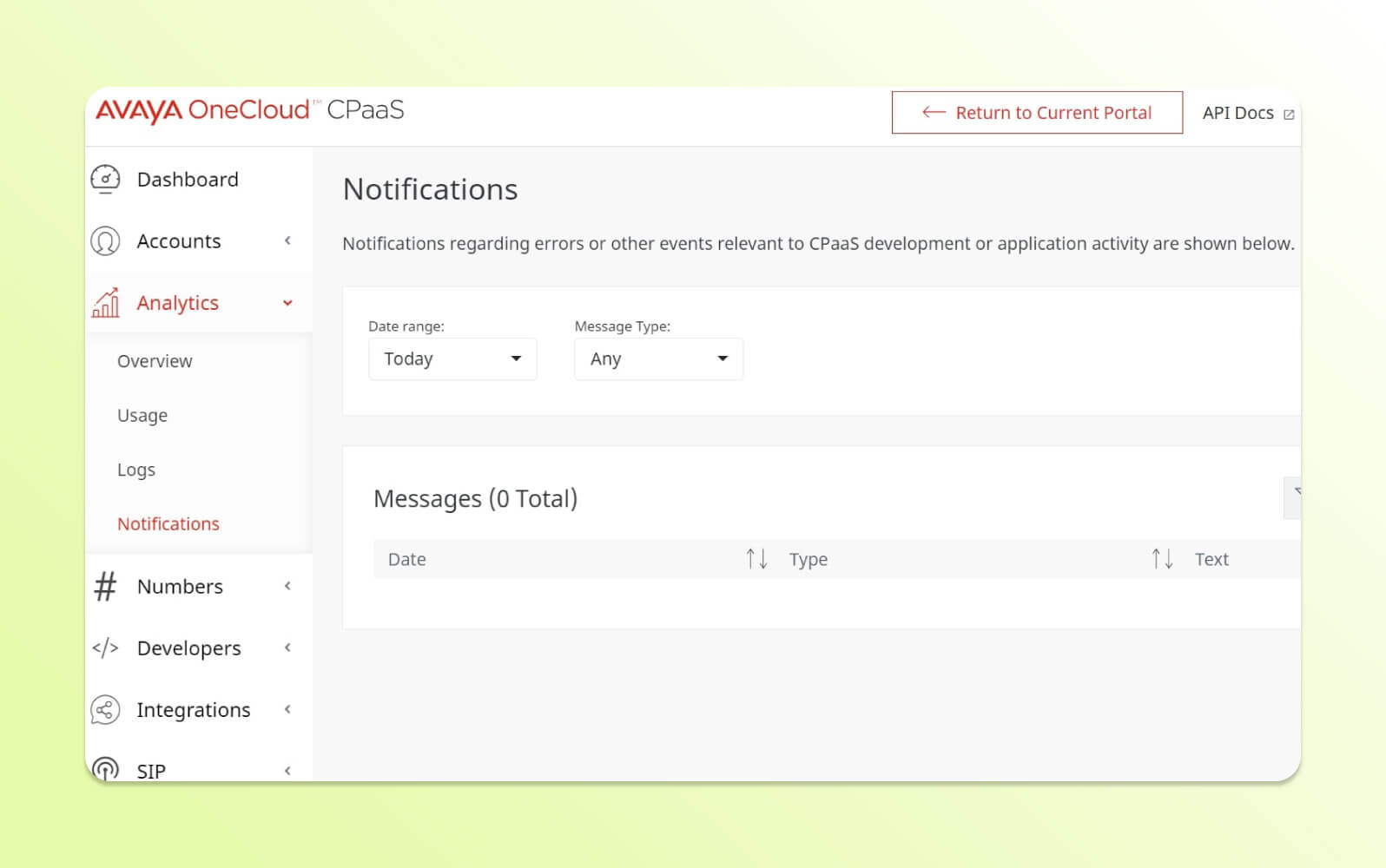
Avaya OneCloud is a contact center solution that offers deployment options across cloud, on-premises, and hybrid environments. The platform enables organizations to manage customer interactions while controlling their infrastructure choices and data residency requirements.
The software's hybrid deployment flexibility allows businesses to customize their implementation based on operational needs, regulatory requirements, or existing technology investments. Features include omnichannel routing, workforce management, quality monitoring, and analytics capabilities. The platform supports integration with third-party applications and provides tools for agent desktop configuration, automated workflows, and real-time performance monitoring across different deployment models.
|
Pros |
Cons |
What people are saying:
- “It has solid feature set offerings in place for speech analytics.”
- “The use of this tool overall is excellent, but I feel it could be much more user-friendly and interactive.”
- “Dated on-premise VoIP solution. Behind the times.”
Learn more: Discover how Avaya integrates with Zendesk.
5. Amazon Connect
Best for builder-friendly innovation
|
Starting price |
Free trial |
Key features |
|
$0.018 per minute (voice), $0.004 per message (chat) |
Limited free tier for 12 months |
|
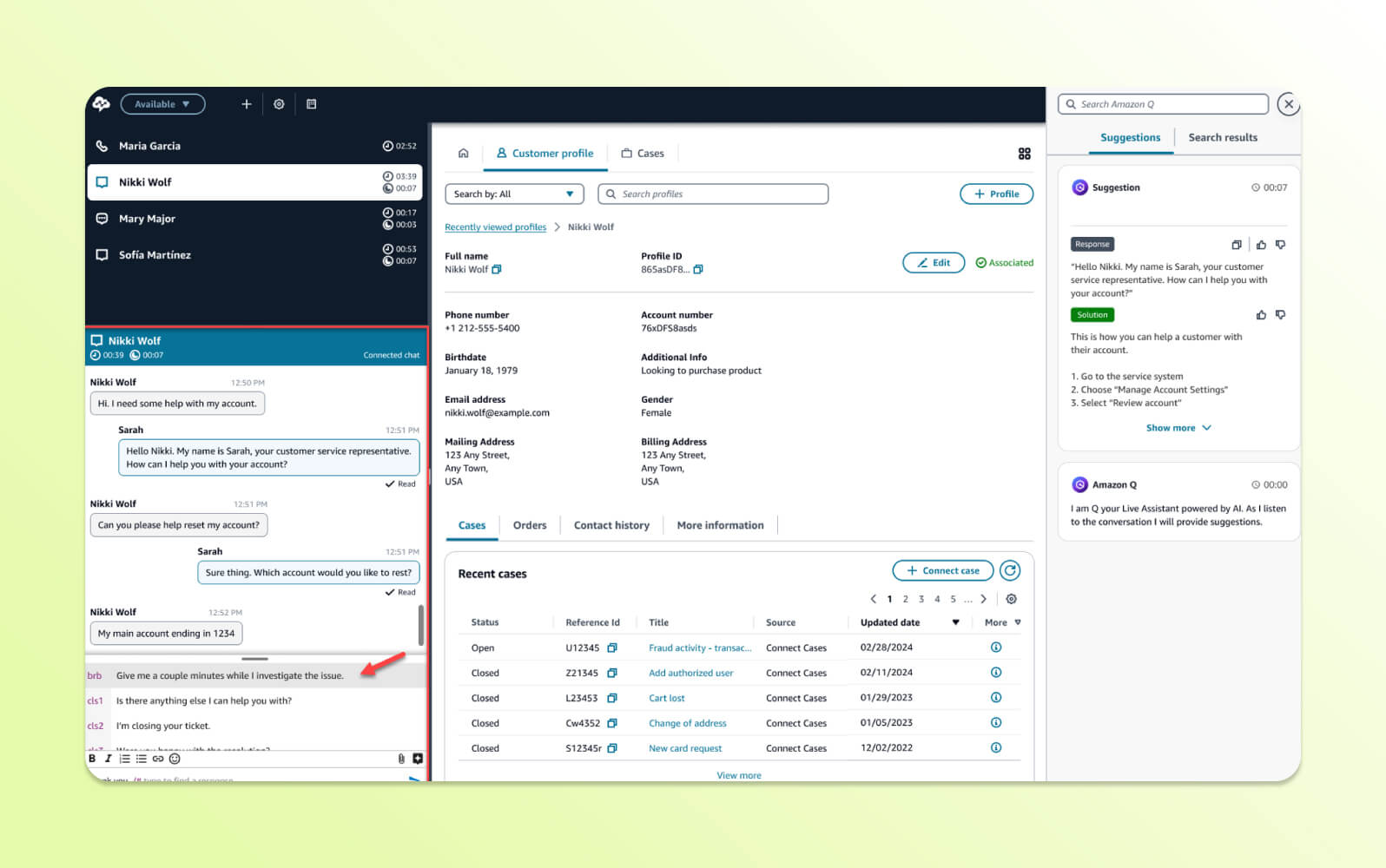
Amazon Connect is a cloud-based contact center service that uses Amazon Web Services infrastructure to provide customer service capabilities. The platform offers pay-as-you-use pricing and can accommodate organizations of various sizes.
The service supports scalable cloud transformation, allowing businesses to establish or migrate contact center operations without upfront infrastructure investments. Features include dynamic omnichannel routing, real-time and historical analytics, and integration with other AWS services, including machine learning tools. The platform provides a visual contact flow designer, automated agent scheduling, and built-in telephony capabilities for deploying and scaling customer service operations.
|
Pros |
Cons |
|
What people are saying:
- “Reliable IVR with simple interface and ease of use.”
- “Needs to work with various other services.”
- “Support is too costly…it is an extra cost that small-scale organizations may face.”
Learn more: Discover how Amazon Connect integrates with Zendesk.
6. Five9
Best for basic workforce management needs
|
Starting price |
Free trial |
Key features |
|
$119 per user/month |
Unavailable |
|
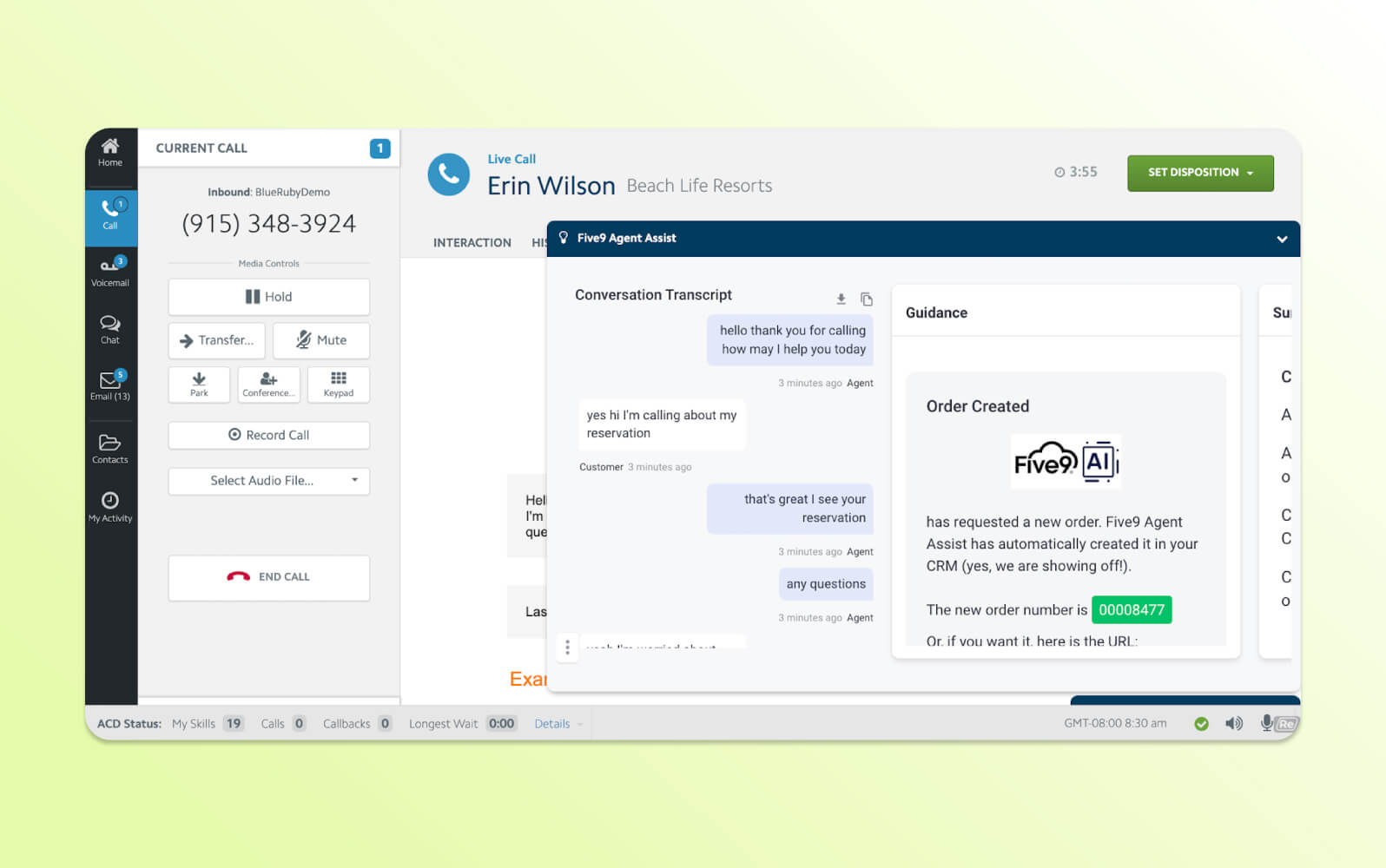
Five9 is a cloud-based contact center platform providing customer service operations through analytics and automation. The software offers tools for managing inbound and outbound customer interactions across multiple communication channels.
It includes intelligent workforce optimization features such as predictive analytics, automated scheduling, and performance management tools. Key capabilities include omnichannel routing, campaign management, real-time monitoring, and quality assurance tools. The solution provides reporting and analytics dashboards and integration options for CRM systems and business applications to streamline customer service workflows.
|
Pros |
Cons |
|
What people are saying:
- “Very reliable and customizable contact center solution.”
- “It doesn't always seem like the team is on the same page or has the required knowledge to actually be able to thoroughly assist with support issues.”
- “The setup takes a good amount of Five9 knowledge to be able to implement properly. I had to learn for over two years before I was confident in building out the system for the company I was employed with.”
Learn more: Discover how Five9 integrates with Zendesk.
7. RingCentral
Best for small business communication consolidation
|
Starting price |
Free trial |
Key features |
|
$20 per user/month (billed annually) |
7 days |
|
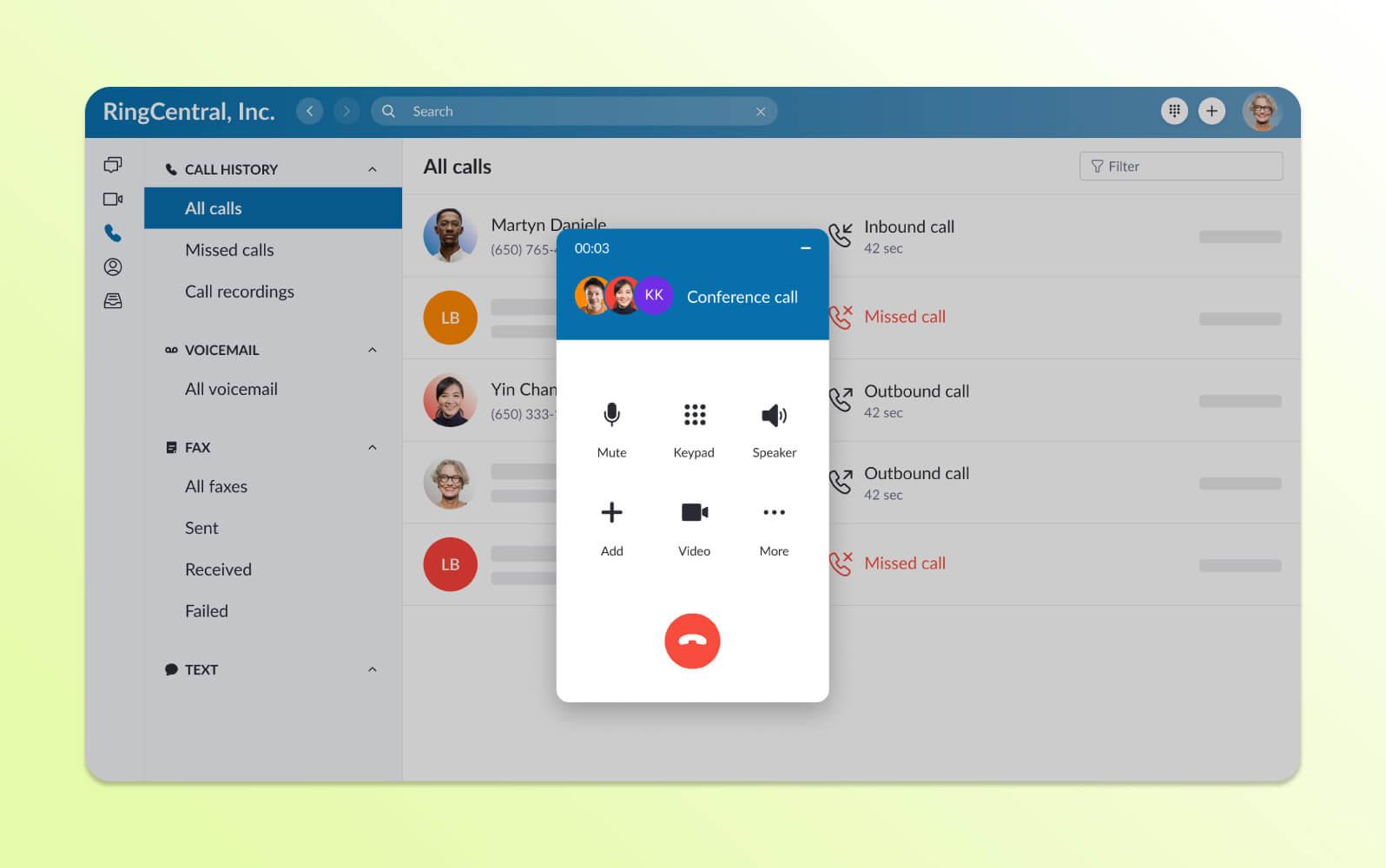
RingCentral Contact Center is part of a unified communications platform that combines contact center functionality with business phone systems, video conferencing, and team messaging. The software enables organizations to manage customer service operations within an integrated communication ecosystem.
The software offers omnichannel routing, automated workflows, and real-time analytics alongside business communication tools. Capabilities include intelligent call distribution, queue management, performance monitoring, and integration with business applications. There’s also a unified interface for handling customer interactions while accessing collaboration tools and business data.
|
Pros |
Cons |
|
What people are saying:
- “Support staff has been awesome - knowledgeable and very helpful.”
- “Sometimes the integration fails to call, so I have to uninstall and reinstall or open the web page to ensure I can call people quickly.”
- “Dialing out features and incoming call features were not very user-friendly.”
Learn more: Discover how RingCentral integrates with Zendesk.
8. 8x8
Best for international calling requirements
|
Starting price |
Free trial |
Key features |
|
Contact 8x8 |
Contact 8x8 |
|
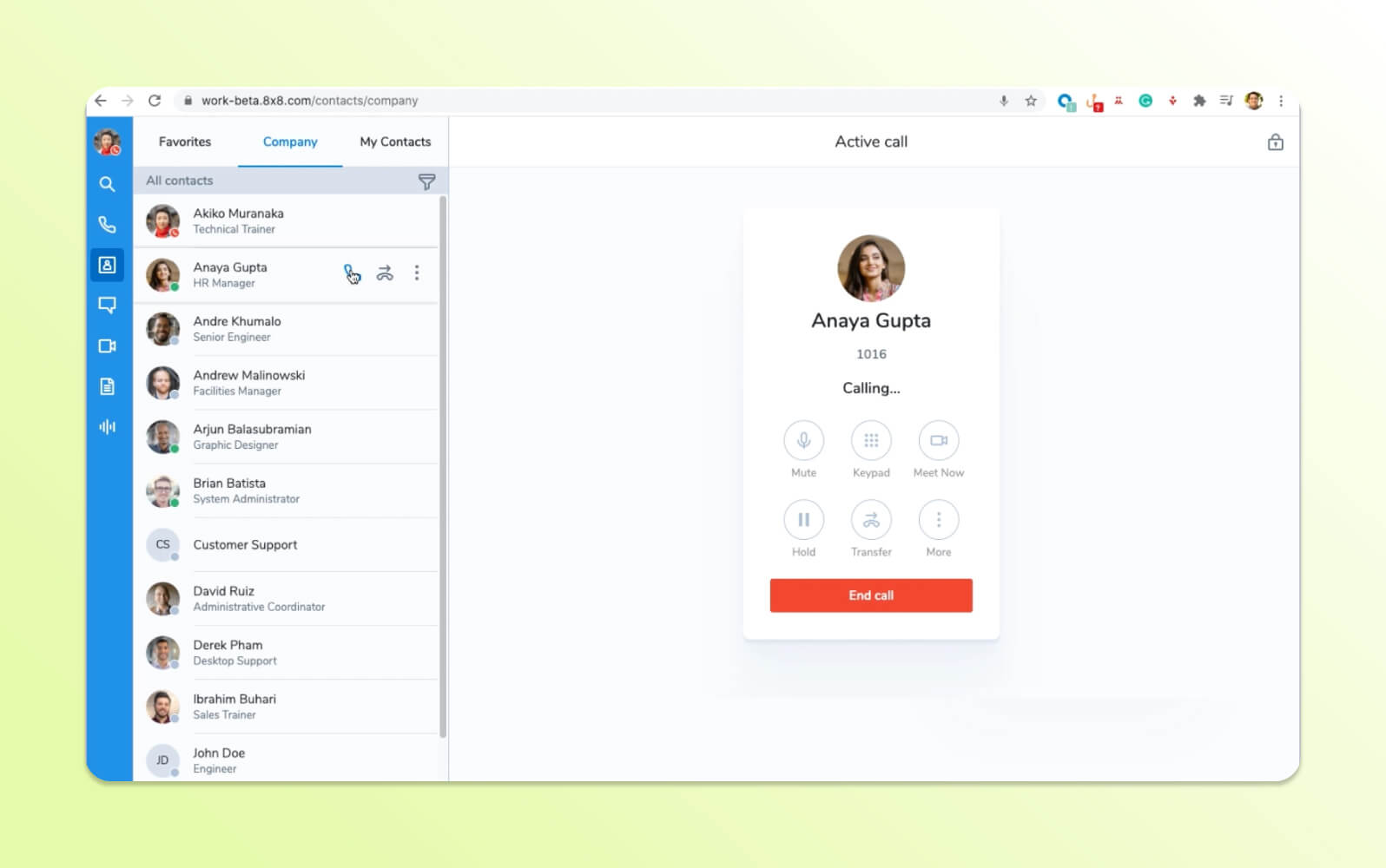
8x8 Contact Center is a cloud-based customer service platform that provides international calling capabilities and communication features. The software enables organizations to manage customer interactions across multiple channels while supporting distributed teams and international operations.
The tool includes global connectivity solutions with features like international phone numbers, multilingual support, and compliance tools for various regulatory requirements. Key capabilities include omnichannel routing, workforce management, quality monitoring, and analytics dashboards. The solution provides integration options with business applications and offers tools for managing remote agents, automatic call distribution, and real-time performance tracking across different geographical locations.
|
Pros |
Cons |
|
What people are saying:
- “Cheap and cheerful. OK for an incoming contact center.”
- “The analytics formulas can be a bit tricky to understand at first, and it would be helpful to have an easier way to track agent activity on a daily basis.”
- “The backend software interface is very long in the tooth. The chat add-on looks like it's circa 2005. The email system for emailing within the system is also lacking.”
Learn more: Discover how 8x8 integrates with Zendesk.
9. Freshcaller
Best for budget-conscious small businesses
|
Starting price |
Free trial |
Key features |
|
Free |
14 days |
|
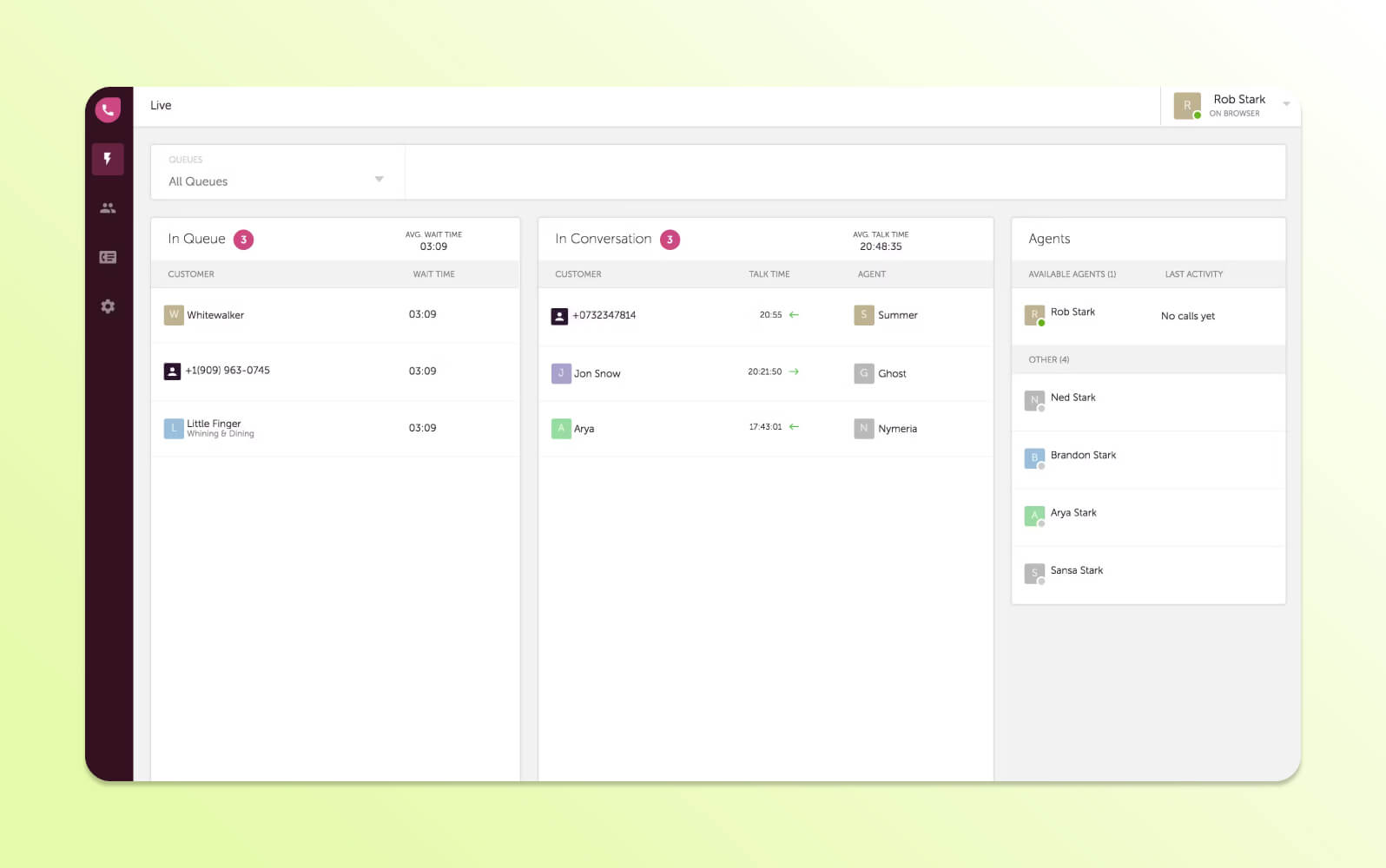
Freshcaller is a cloud-based phone system for small to medium-sized businesses seeking contact center functionality. The platform offers phone systems with features like call routing, voicemail, call recording, and analytics capabilities.
Key functionalities include multi-level IVR, call queuing, team collaboration tools, and integration with business applications. The solution has automatic call distribution, real-time monitoring, customizable call flows, and more features that don’t require extensive technical expertise. However, some users have noted friction and limitations with internal support when resolving issues.
|
Pros |
Cons |
|
What people are saying:
- “It has a clean graphic interface, and it's not confusing for basic users.”
- “Sometimes customer support is just OK, but sometimes you wait days, even weeks, to get help.”
- “It’s expensive to add multichannel services and integrations like a chatbot, WhatsApp, and other essential tools.”
Learn more: Discover how Zendesk vs. Freshdesk compare.
10. Talkdesk
Best for companies prioritizing analytics over service quality

|
Starting price |
Free trial |
Key features |
|
$85 per user/month (billed annually) |
Contact Talkdesk |
|
Talkdesk is a cloud-based contact center platform that assists customer service through analytics and reporting capabilities. The software offers organizations insights into customer interactions and agent performance across multiple communication channels.
The contact center includes CX analytics insights through reporting tools, real-time dashboards, and predictive analytics features. Key capabilities include omnichannel routing, workforce management, quality assurance, and integration with business applications. The solution provides customizable performance metrics, automated coaching tools, and customer journey analytics to help organizations understand their CX data.
|
Pros |
Cons |
|
What people are saying:
- “Talkdesk really saved us with our phone customer support.”
- “It's not a system that should be used if you have more than a hundred calls coming in at the same time, but if the call volume is down low, it works just fine.”
- “The integration with our ticketing system is very poor. Our agents have a fair amount of issues with logging in and the occasional dropped call.”
Learn more: Discover how Talkdesk integrates with Zendesk and how Zendesk vs. Talkdesk compare.
11. NiCE CXone Mpower
Best for performance monitoring-focused teams
|
Starting price |
Free trial |
Key features |
|
$71 per agent/month (billed annually) |
Unavailable |
|
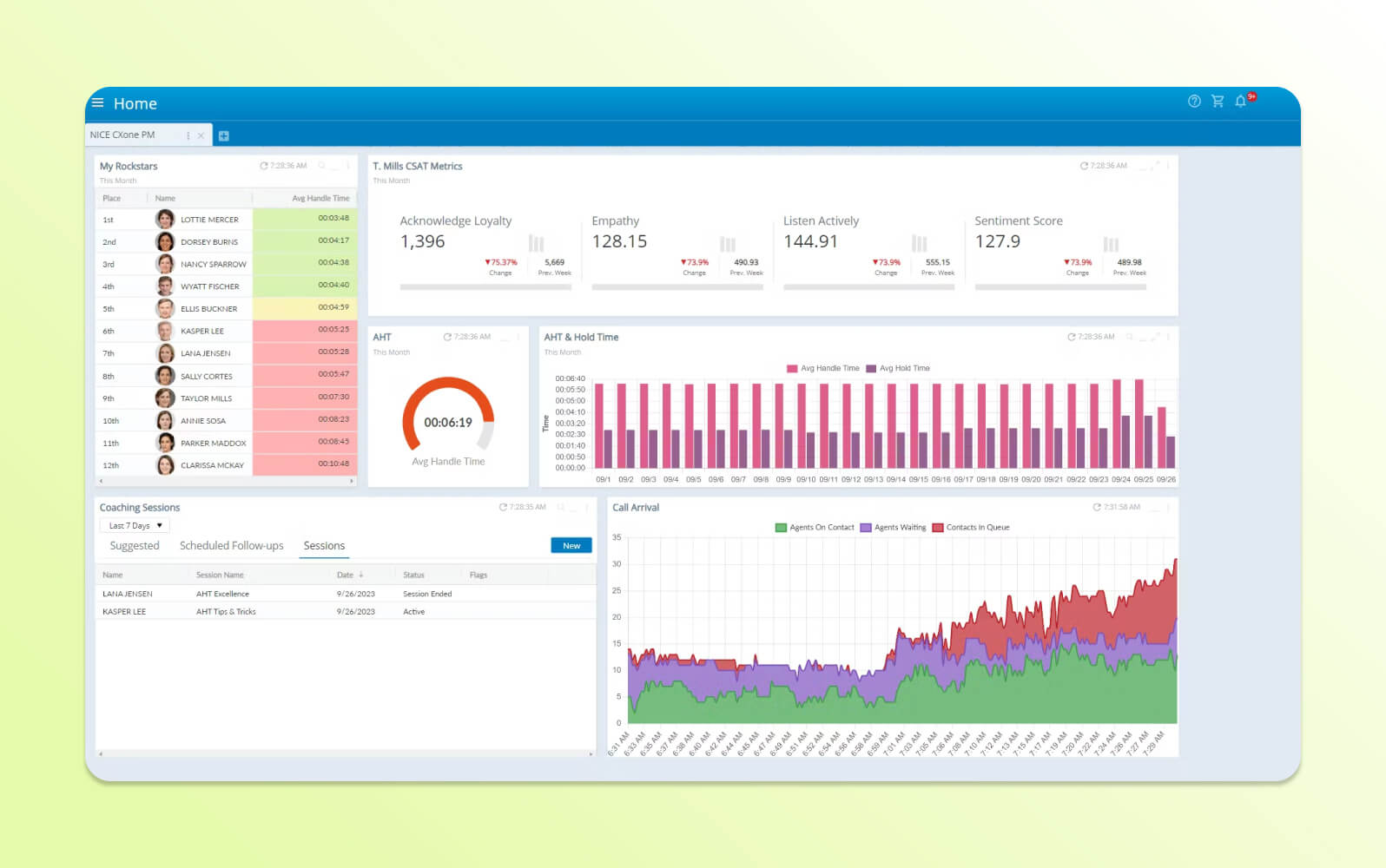
NiCE CXone Mpower is a contact center platform focused on improving agent performance and managing customer experience. The software provides tools for monitoring, coaching, and analyzing agent interactions while maintaining service quality standards.
It includes quality monitoring, workforce optimization, speech analytics, and automated coaching capabilities. Key functionalities include omnichannel routing, real-time analytics, compliance recording, and integration with business applications. The solution provides performance metrics, predictive analytics tools, and gamification features designed to support agent engagement and productivity while maintaining consistent service quality across customer touchpoints.
|
Pros |
Cons |
What people are saying:
- “Its simplicity, integrations and flexibility make it an effective solution.”
- “Custom reports are difficult to configure and the learning curve for IVR Studio scripting is steeper than anticipated.”
- “It’s not easy to learn or use. Better training is needed.”
Learn more: Discover how NiCE CXone integrates with Zendesk.
12. LiveAgent
Best for simple ticket management
|
Starting price |
Free trial |
Key features |
|
$15 per agent/month (billed annually) |
14 days |
|
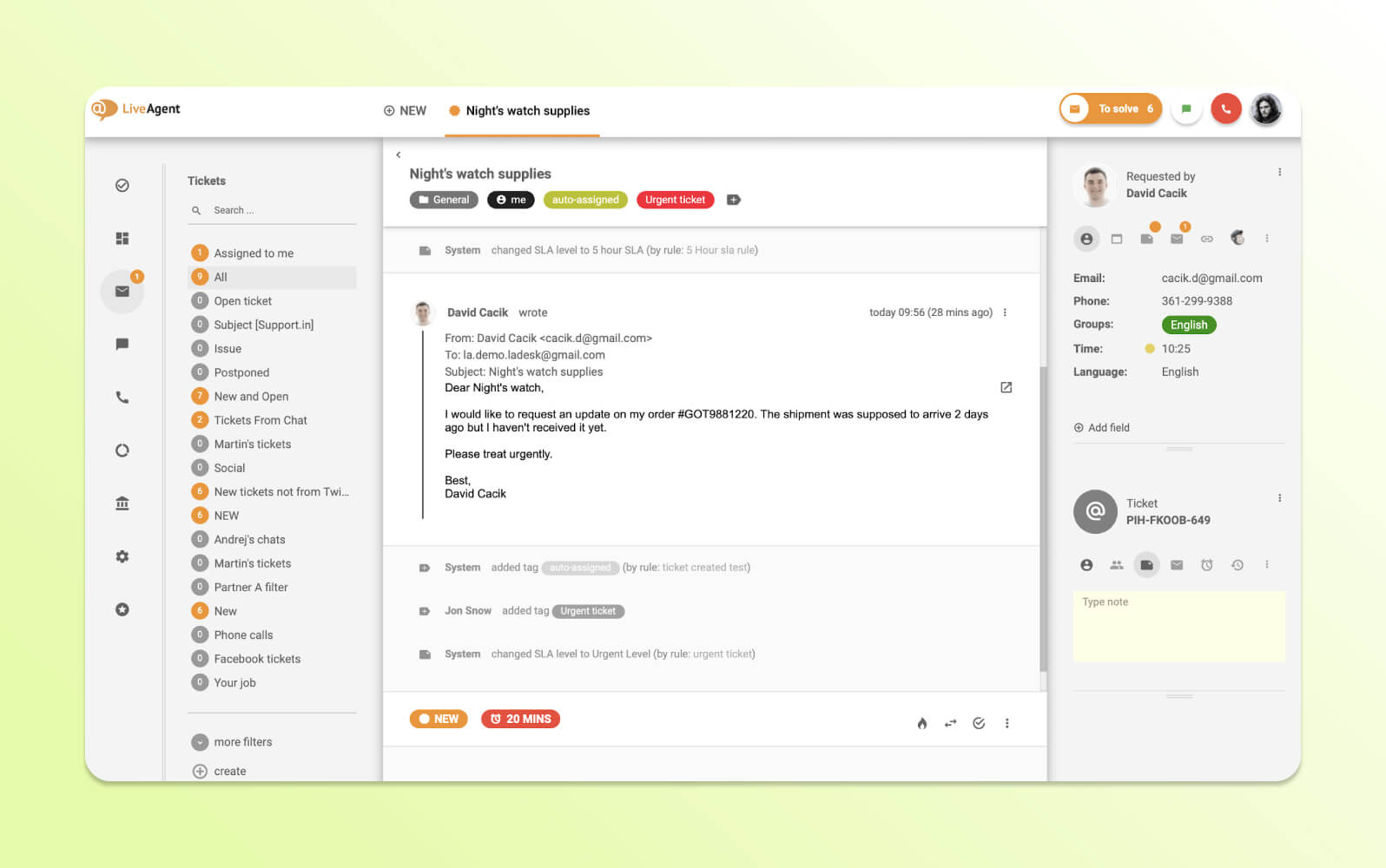
LiveAgent is a multichannel help desk software that consolidates customer communications from various sources into a unified ticketing system. The platform enables organizations to manage customer inquiries from email, live chat, phone calls, and social media through a single interface.
The software includes multichannel ticket consolidation, automatically converting customer communications into organized tickets for tracking and resolution. Features include automated ticket routing, canned responses, time tracking, and knowledge base integration. LiveAgent provides real-time chat functionality, call center capabilities, social media monitoring, and reporting tools that help customer service teams maintain organized
|
Pros |
Cons |
|
What people are saying:
- “It was much easier to set up and configure than expected.”
- “The reporting isn't as easy as other platforms I have used.”
- “We needed to be able to attach help articles (from our knowledge base) to chats quickly, and LiveAgent does not have this feature. That feature saves agents so much time on a daily basis that it is critical for us.”
Learn more: Discover how Zendesk vs. LiveAgent compare.
13. Twilio Flex
Best for companies with extensive developer resources
|
Starting price |
Free trial |
Key features |
|
$150 per named user/month (billed annually) |
5,000 user hours |
|
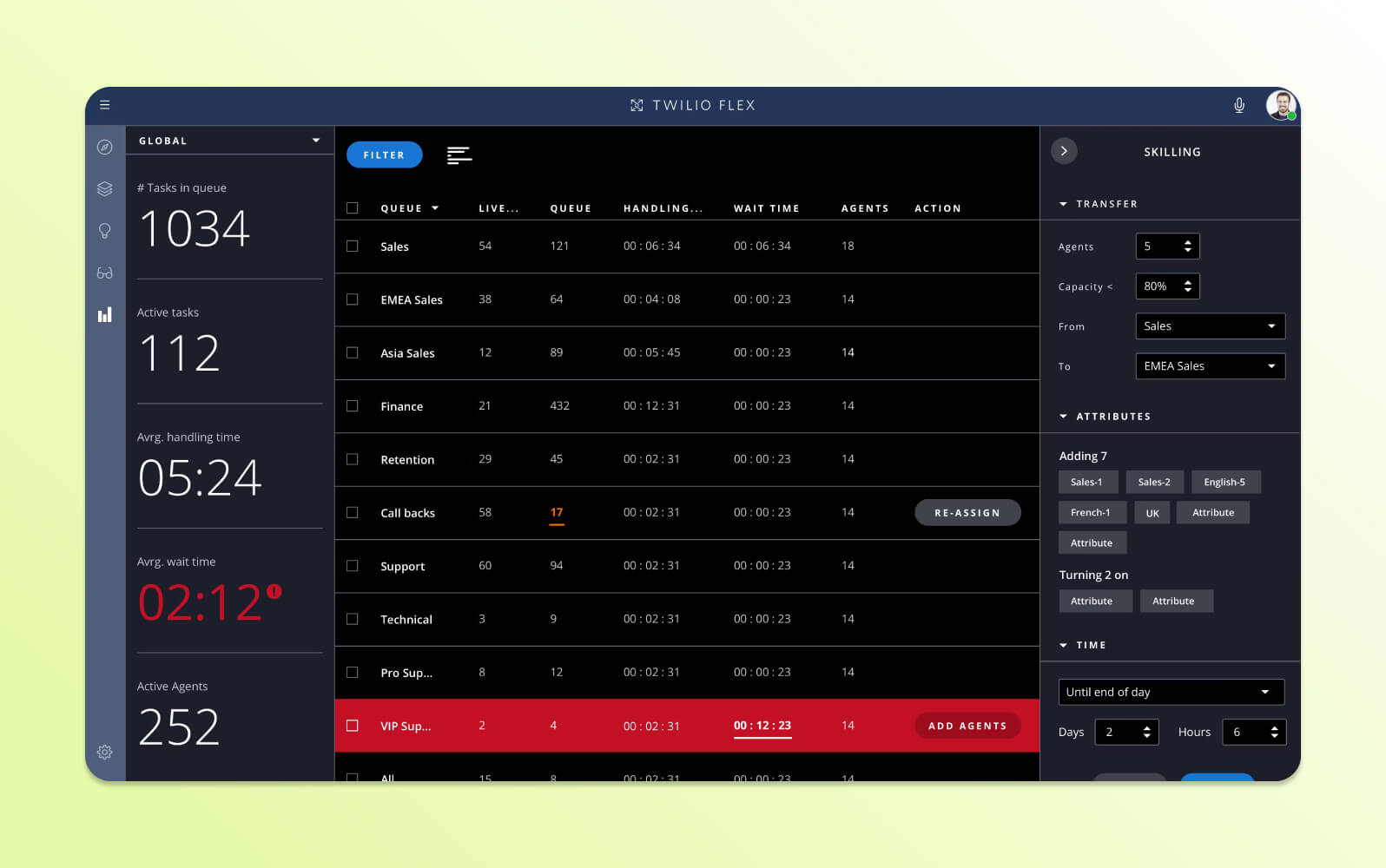
Twilio Flex is a programmable contact center platform that provides developers with customization capabilities for building customer service solutions. The software offers APIs and development tools that enable organizations to create contact center applications.
The tool serves as a developer-centric customization platform, allowing businesses to build customer service experiences using Twilio's communication infrastructure. Key capabilities include programmable voice and messaging, flexible routing logic, custom agent interfaces, and integration with business systems through APIs. The solution provides real-time communication tools, analytics capabilities, and scalable infrastructure, enabling developers to create contact center solutions matching their organization's requirements.
|
Pros |
Cons |
What people are saying:
- “It has a very easy interface and its integration with Zendesk is great.”
- “Twilio Flex is not able to integrate with a lot of systems which makes the process much more manual.”
- “The application glitches often and will lose connection.”
Learn more: Discover how Twilio Flex integrates with Zendesk and how Zendesk vs. Twilio Flex compare.
14. Vonage
Best for custom API development projects
|
Starting price |
Free trial |
Key features |
|
Contact Vonage |
14 days |
|
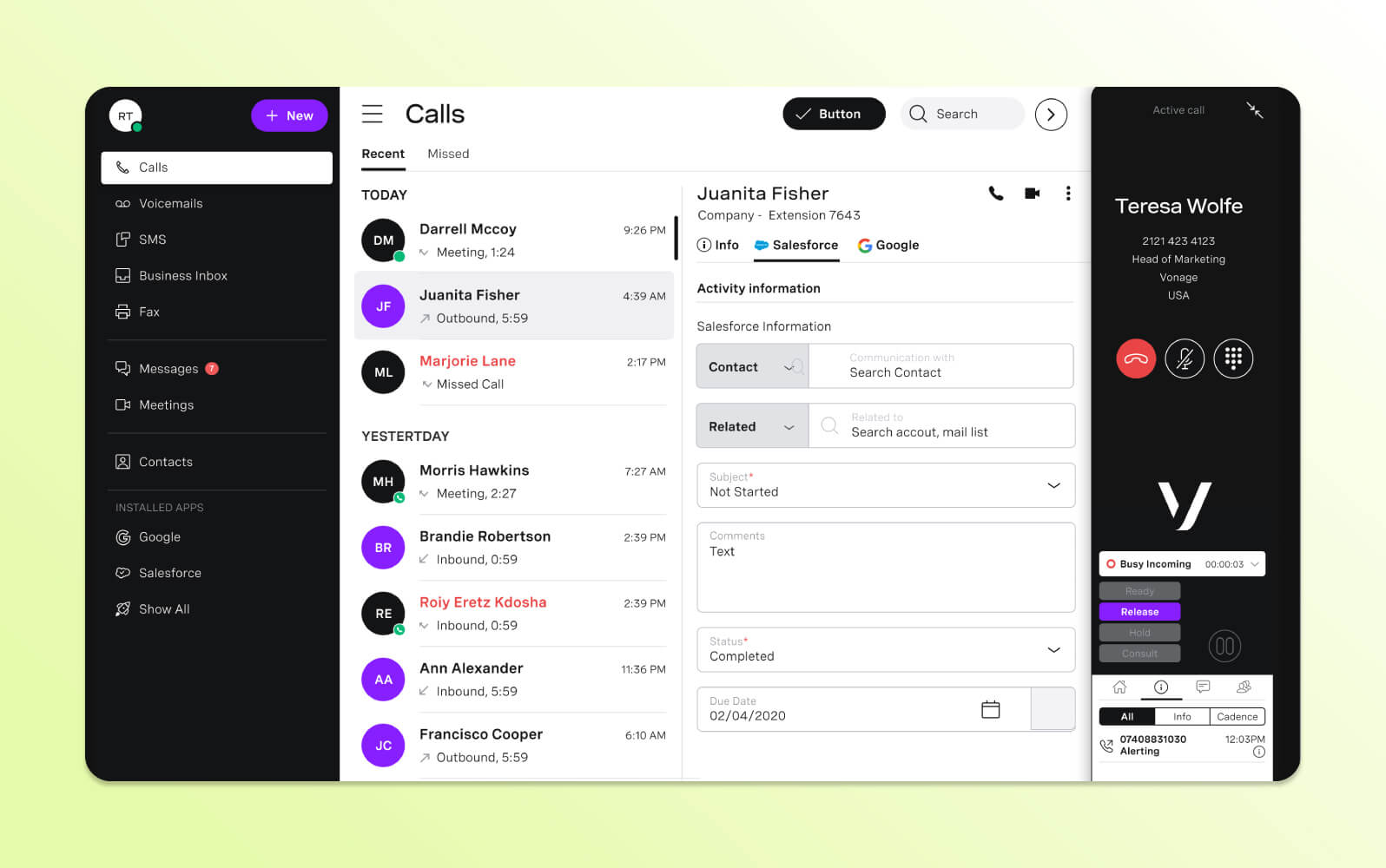
Vonage Contact Center is part of a communication platform that provides businesses with cloud-based customer service capabilities integrated with programmable communication tools. The software enables organizations to create communication experiences using API-driven architecture.
The service includes programmable communication APIs, allowing businesses to build customer interaction workflows using voice, messaging, and video capabilities. Features include omnichannel routing, real-time analytics, integration tools, and developer APIs for custom application development. The solution provides businesses with tools to create customer service experiences while using Vonage's global communication infrastructure and compliance capabilities.
|
Pros |
Cons |
What people are saying:
- “Reliable communication solution with powerful features.”
- “The complexity of setup and customization can be challenging for users without technical knowledge.”
- “It’s a bit steep for just one phone number.”
Learn more: Discover how Vonage integrates with Zendesk.
15. ServiceNow
Best for IT-centric service desk operations
|
Starting price |
Free trial |
Key features |
|
Contact ServiceNow |
Unavailable |
|
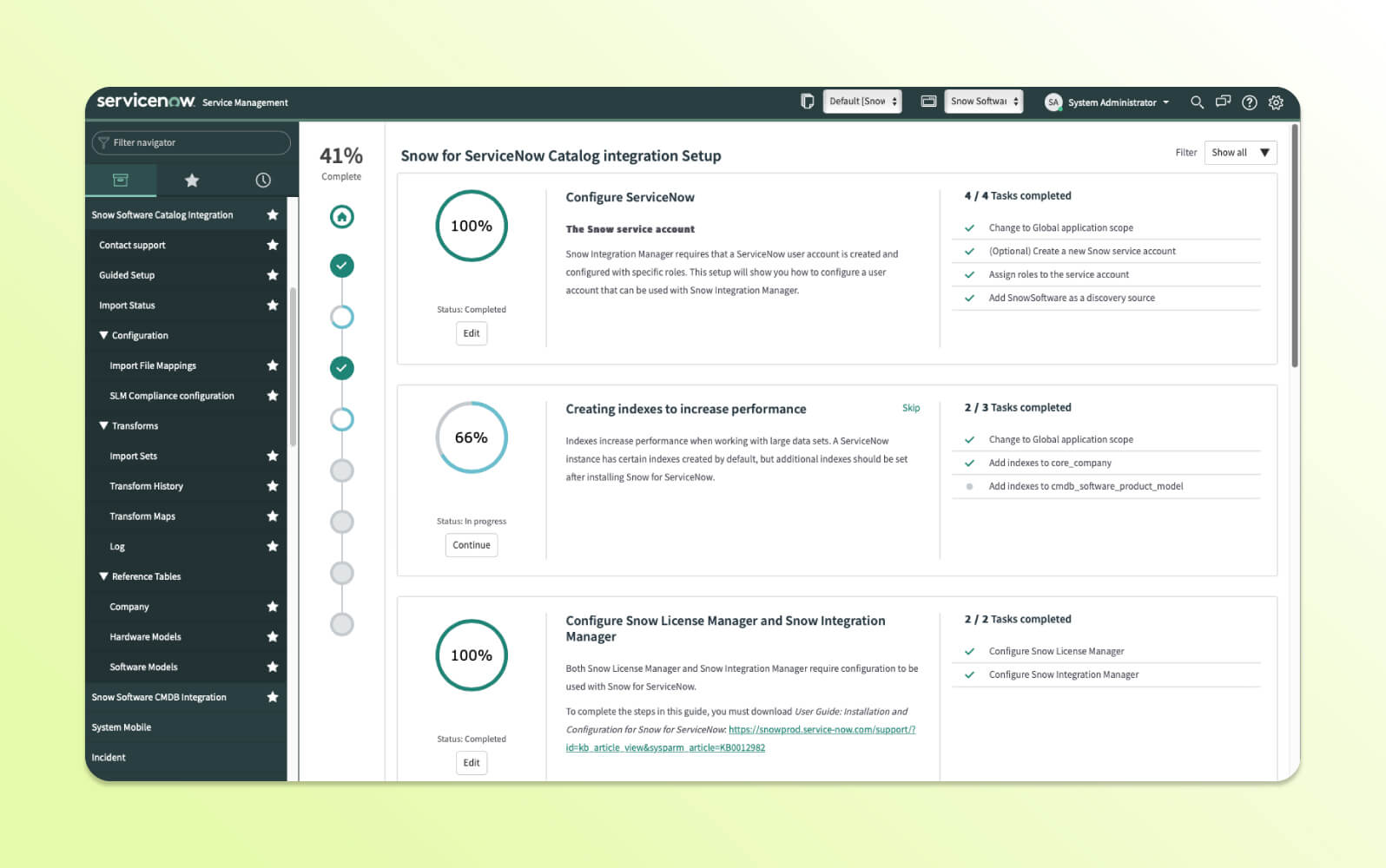
ServiceNow Customer Service Management is a platform that integrates customer service operations with IT service management and business process automation. The software enables organizations to manage customer inquiries while using existing ServiceNow infrastructure and workflows.
The solution includes IT service integration, connecting customer service operations with internal IT processes, change management, and business workflows. Key capabilities include case management, knowledge base integration, automated routing, and service level agreement tracking. The solution allows organizations to link customer issues to internal IT incidents, automate resolution processes, and maintain service records across customer-facing and internal operations.
|
Pros |
Cons |
What people are saying:
- “Reliable platform for streamlining service requests and internal support.”
- “The initial setup and configuration can be complex and time-consuming, requiring a significant investment of time and resources.”
- “I dislike the lack of tracking capabilities for project-based work.”
Learn more: Discover how Zendesk vs. ServiceNow compare.
16. Salesforce Service Cloud Voice
Best for existing Salesforce CRM users
|
Starting price |
Free trial |
Key features |
|
$150 per user/month (billed annually) |
30 days |
|
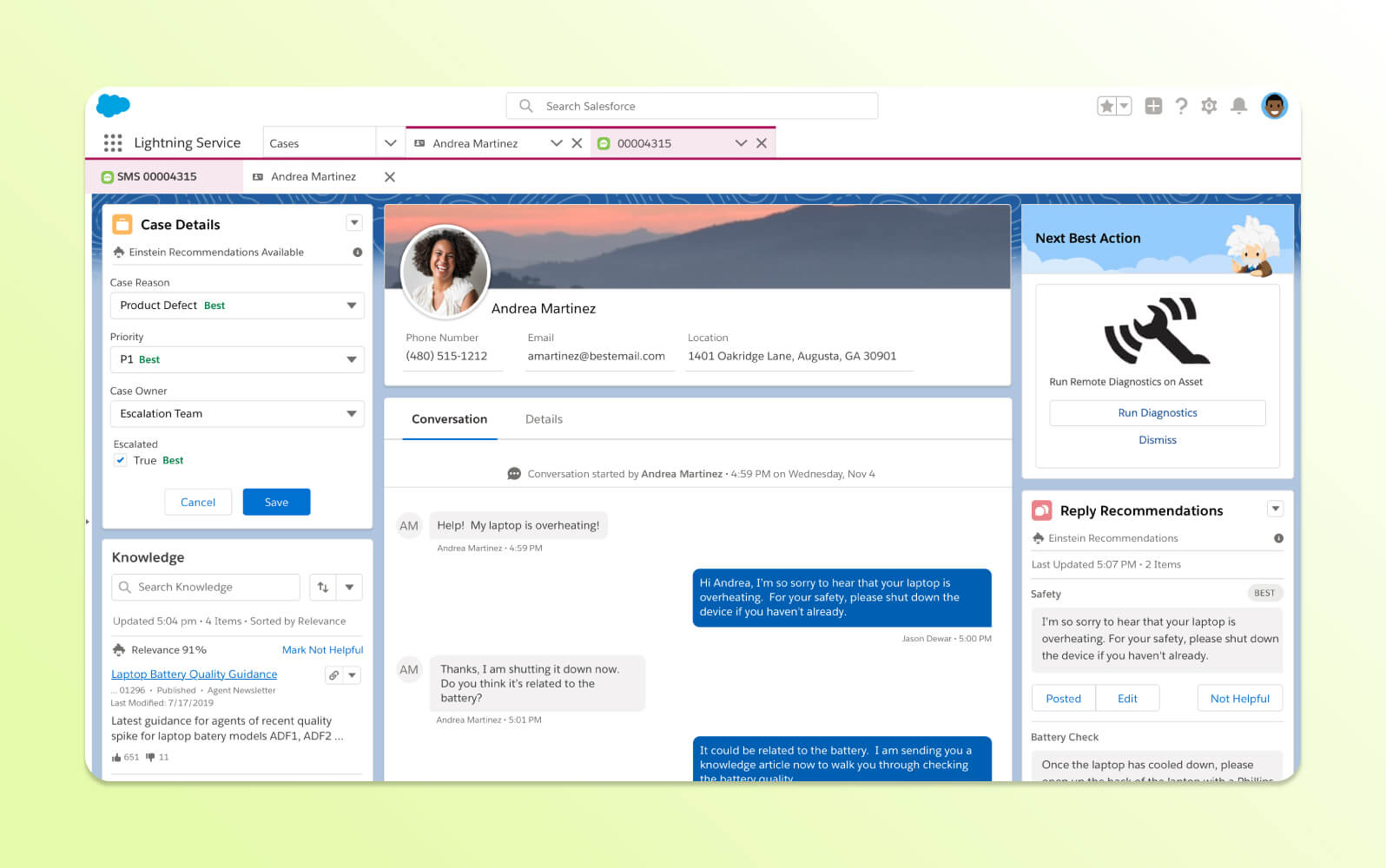
Salesforce Service Cloud Voice integrates telephony capabilities directly into the Salesforce platform, enabling organizations to manage voice interactions alongside their existing CRM data and customer service processes. The software provides agents with customer context during phone conversations.
The contact center offers CRM-native voice solutions, combining call center functionality with Salesforce's customer relationship management capabilities. Features include automatic call logging, screen pop functionality, real-time transcription, and integration with Salesforce's automation tools. However, time-consuming, technical implementation and customization require someone with Salesforce knowledge to complete.
|
Pros |
Cons |
|
What people are saying:
- “The number of features and flexibilities makes implementing basic CRM features a breeze.”
- “You need a partner or expertise to implement and extensive training for users to adapt.”
- “Email-to-case can be a nightmare if you get a case stuck in a loop.”
Learn more: Discover how Salesforce integrates with Zendesk and how Zendesk vs. Salesforce compare.
17. Microsoft Dynamics 365
Best for Microsoft-only environments
|
Starting price |
Free trial |
Key features |
|
$95 per user/month (billed annually) |
1 month |
|
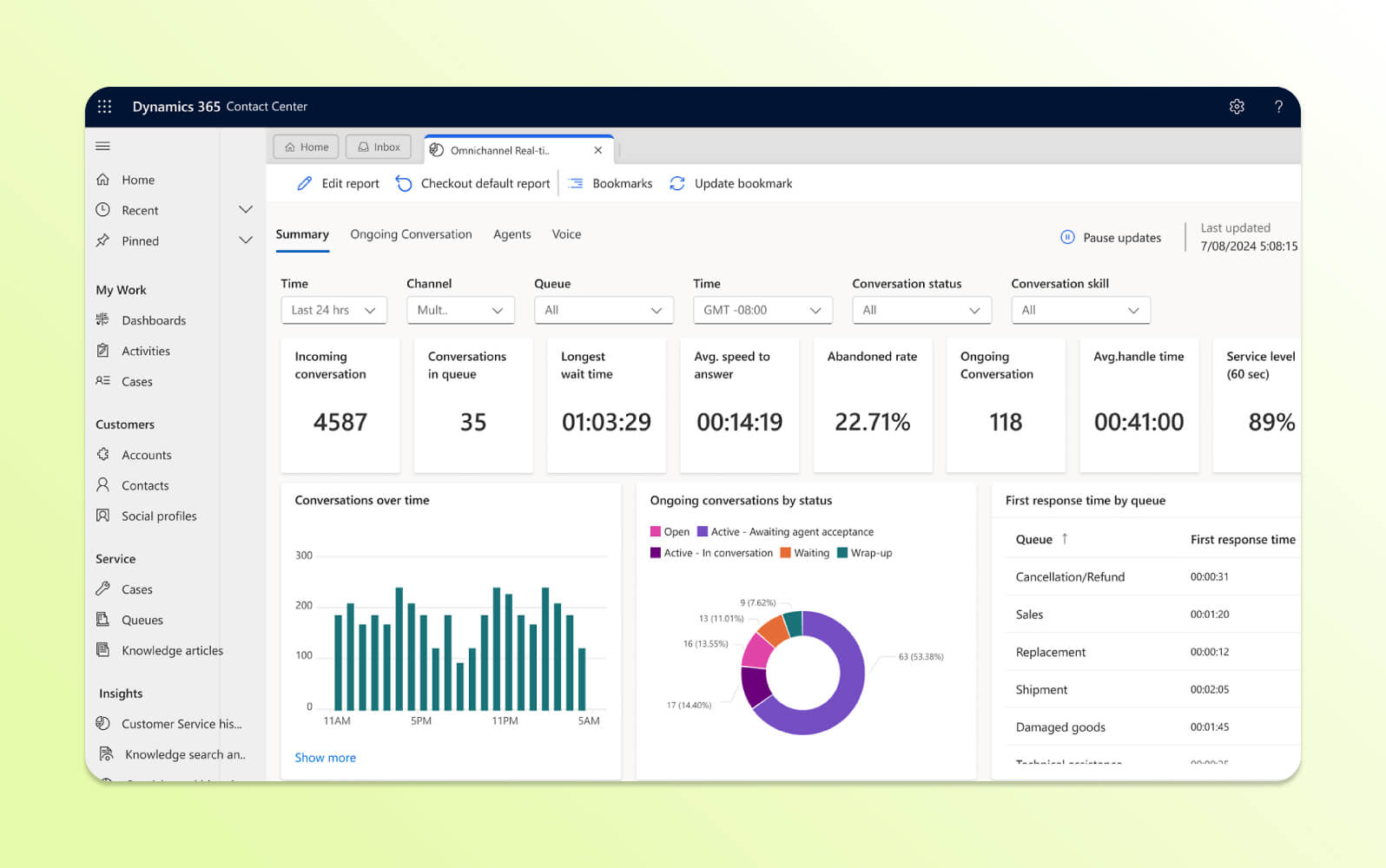
Microsoft Dynamics 365 Customer Service includes contact center capabilities that integrate with Microsoft's business application ecosystem. The software enables organizations to manage customer interactions while using existing Microsoft infrastructure and productivity tools.
The platform includes Microsoft ecosystem integration, connecting customer service operations with Office 365, Teams, Power Platform, and other Microsoft business applications. Key features include omnichannel routing, case management, knowledge base integration, and automated workflows. The solution provides agents with Microsoft interfaces while offering capabilities like real-time collaboration, document sharing, and analytics that use the organization's existing Microsoft technology investments.
|
Pros |
Cons |
|
What people are saying:
- “This tool really helps to make notes of key points from the customer.”
- “There is a lot of feature overload…there are so many options available that regression testing can become extremely difficult.”
- “I consider the price of the product to be a disadvantage as well as the lack of guidance when using the app.”
Learn more: Discover how Zendesk vs. Microsoft 365 compare.
18. Aircall
Best for basic sales call tracking
|
Starting price |
Free trial |
Key features |
|
$30 per license/month (billed annually) |
14 days |
|
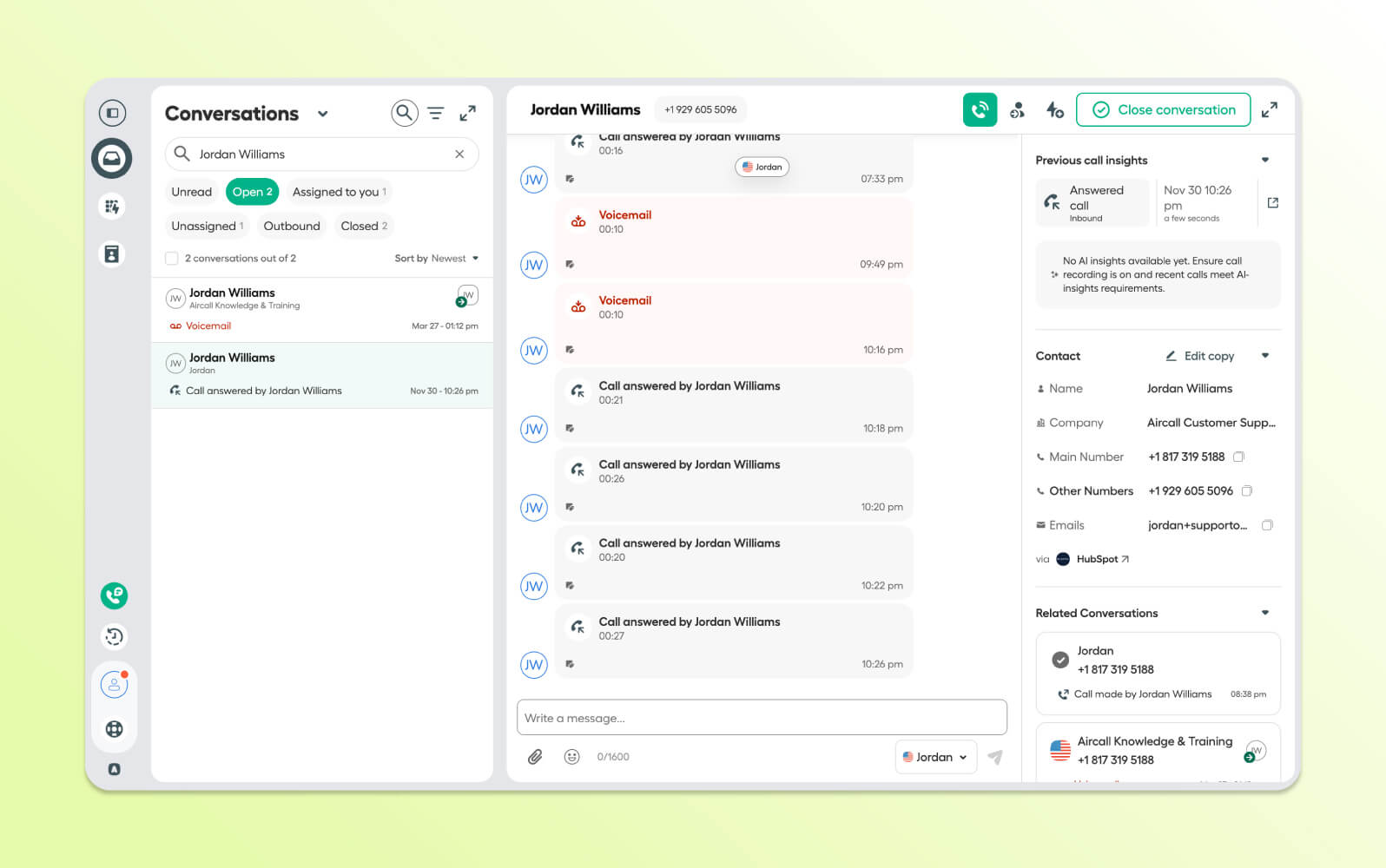
Aircall is a cloud-based phone system designed for sales and support teams seeking calling capabilities with CRM integration. The software focuses on phone communications for customer engagement and lead generation.
The software includes sales team productivity features such as click-to-dial functionality, automatic call logging, local and international numbers, and integrations with CRM and business tools. Key capabilities include call routing, voicemail transcription, team collaboration features, and real-time analytics dashboards. Sales and support teams get tools to track call performance, manage lead follow-ups, and maintain communication records within their existing business workflows.
|
Pros |
Cons |
|
What people are saying:
- “It connects to CRM systems very easily and automatically logs call logs and creates call notes.”
- “While functional, the app occasionally lags or takes longer to load call data compared to the desktop version, which can be frustrating when I’m on the go.”
- “When I am in an active call, it locks the history and just shows me in an active call. There have been several times that I needed to access the history to get names or phone numbers from prior calls, but could not while I was in an active call.”
Learn more: Discover how Aircall integrates with Zendesk.
Features of the best contact centers
The best contact center software combines high-quality voice with intelligent automation, omnichannel capabilities, and advanced, AI-powered analytics to deliver exceptional customer service. Here are the key features that your contact center needs to provide human-first support for any customer need.
People-centric AI and intelligent routing
People-centric AI puts human connection at the center of every customer interaction. It intelligently matches customers with the right agents based on skills, expertise, context, and customer sentiment and intent.
Advanced routing algorithms consider factors like agent availability, customer history, issue complexity, and language preferences to ensure each conversation starts with the best possible foundation.
AI-powered routing capabilities from Zendesk leverage machine learning to continuously improve matching accuracy based on historical interaction outcomes. This approach:
- Reduces wait times
- Improves first contact resolution (FCR) rates
- Creates more meaningful connections
Above all, people-centric, AI-driven customer service enables agents who are genuinely equipped to help customers succeed.
Omnichannel experience
A true omnichannel contact center seamlessly connects every customer touchpoint—voice, email, live chat, social media, and messaging apps—into a unified conversation flow.
With an intelligent contact center like Zendesk, customers can start a conversation on one channel and continue it on another without losing context or having to repeat information. This unified approach provides agents with complete visibility into the customer's journey across all channels. Agents can provide more personalized and efficient support while meeting customers where they prefer to communicate.
Native AI-assisted voice
Native AI-assisted voice capabilities far exceed traditional phone support with real-time intelligence that enhances every conversation. Advanced speech analytics provide agents with:
- Live customer sentiment analysis
- Suggested responses
- Contextual information
This all happens during calls. Meanwhile, automated transcription and call summarization reduce post-call work and allow agents to quickly move on to the next task.
The native voice solution from Zendesk includes built-in AI coaching that provides real-time guidance to help agents improve their performance during live calls.
Workflow automation
Workflow automation eliminates repetitive tasks and ensures consistent processes by automatically:
- Routing and escalating tickets
- Updating customer records
- Triggering follow-up actions based on predefined rules
Intelligent automation can assign tickets based on agent expertise and even resolve inquiries without human intervention. This reduces manual work for agents, speeds up resolution times, and ensures that critical processes are executed consistently every time, allowing teams to focus on complex customer needs that require human expertise.
Zendesk workflow automation includes advanced triggers and macros that you can customize without technical expertise. It’s easy for teams to automate their desired processes right out of the box.
AI-driven reporting and analytics
AI-driven reporting transforms raw interaction data into actionable insights that drive continuous improvement across the contact center. Advanced analytics help teams effortlessly spot trends in call center metrics, shedding light on customer behavior and agent performance. Predictive models then use those analytics to forecast demand and optimize staffing.
With Zendesk, customizable, real-time dashboards provide stakeholders with immediate visibility into key metrics. Automated reporting surfaces actionable recommendations to improve processes, reduce costs, and enhance customer satisfaction through data-driven decision making.
Unified agent workspace
A unified agent workspace consolidates all the tools, information, and context agents need into a single, intuitive interface that adapts to each interaction. This centralized hub provides instant access to:
- Customer history
- Knowledge base articles
- Collaboration tools
- Relevant applications
Agents can access this information without having to switch between multiple systems. With Zendesk, they get side conversations in the Agent Workspace so agents can collaborate internally while focusing on the customer interaction. The result is faster response times and improved agent satisfaction as representatives can focus on solving customer problems rather than navigating complex software environments.
Quality assurance (QA)
Quality assurance goes beyond traditional call monitoring to comprehensively evaluate agent performance across all channels using AI-powered analysis.
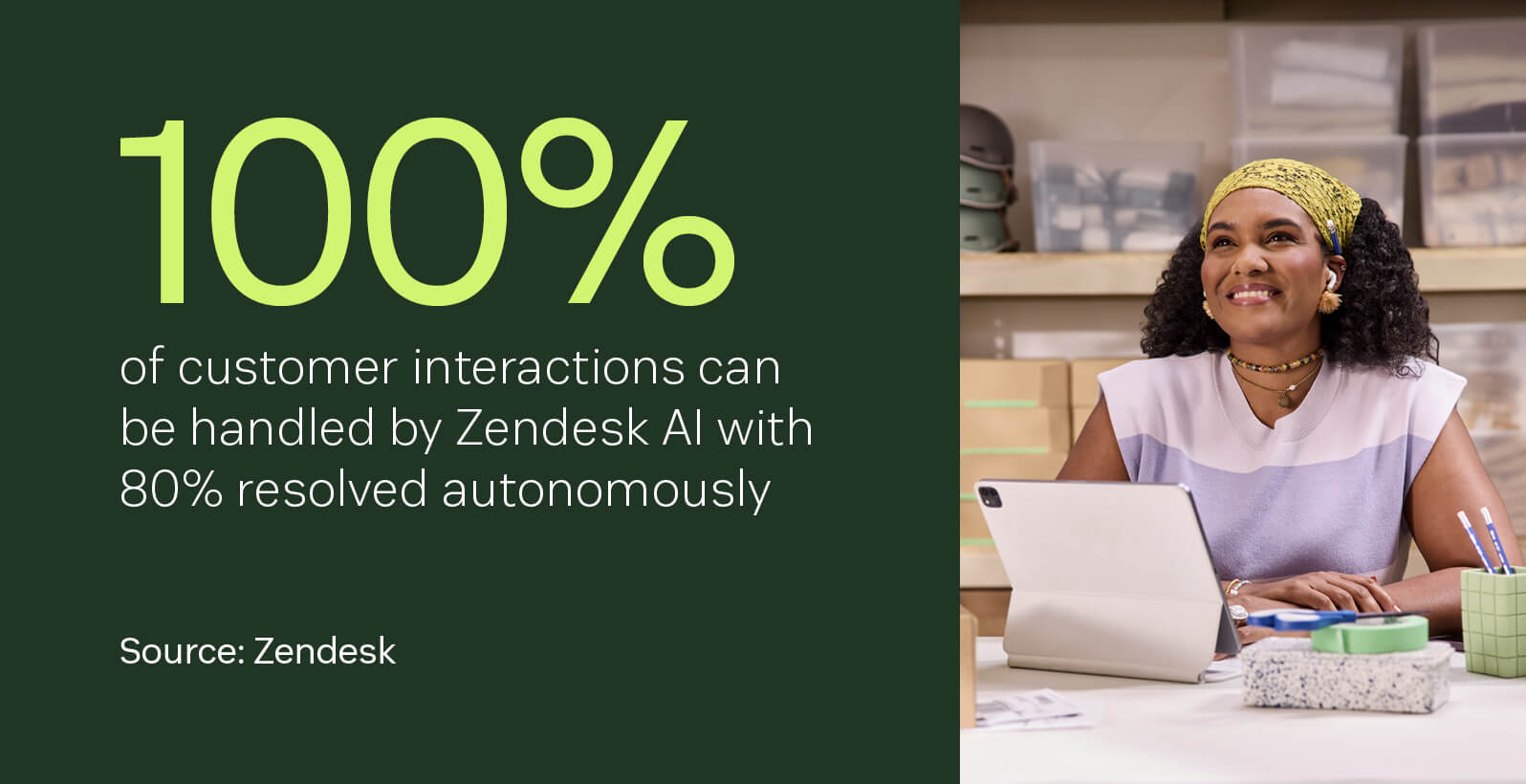
Modern QA tools like Zendesk QA can evaluate 100 percent of interactions in custom-created categories . Together with custom conversation insights, they identify coaching opportunities for both human and AI agents. This systematic approach:
- Makes customer service QA scalable across large teams
- Ensures consistent service quality
- Accelerates agent development
- Provides objective feedback
Teams can then easily use this new knowledge to continuously improve their customer service delivery.
Workforce management (WFM)
Intelligent contact center workforce management optimizes staffing levels and agent schedules using predictive analytics that account for:
- Historical patterns
- Seasonal trends
- Real-time demand fluctuations
Advanced tools like Zendesk AI-powered workforce management software automatically generate schedules that balance customer service levels with agent preferences while providing real-time adherence monitoring and automated adjustments. This way, you know you have optimal coverage during peak periods while maximizing agent productivity and satisfaction through fair, flexible scheduling practices.
Apps and integrations
Comprehensive apps and integrations extend contact center functionality by connecting seamlessly with existing business systems like:
- CRM software
- Help desks
- Productivity tools
This is especially true when the apps and integrations are as plentiful as they are in the Zendesk Marketplace—over 1,800 and counting. Pre-built connectors and open APIs enable organizations to customize their contact center environment while maintaining data consistency across all systems.
This ecosystem approach allows businesses to leverage their existing technology investments while adding powerful contact center capabilities that enhance rather than replace their current workflows.
How to choose the best contact center solution
Choosing contact center software means assessing your organization's needs, tech, and growth. The best option integrates with current operations and scales with your business.
Ensure it integrates with your existing business systems
Select a contact center solution with strong integration capabilities for your CRM, help desk software, and business applications. Seamless integration eliminates data silos and ensures smooth information flow, leading to a more efficient and cohesive customer service experience.
Look for pre-built connectors and open APIs for custom integrations. Zendesk offers native integrations with leading business platforms and comprehensive APIs, making connecting with existing systems straightforward and reliable.
Look for out-of-the box implementation
Opt for solutions with rapid, simple deployment and minimal customization. Top software offers pre-configured workflows, templates, and industry-specific settings for quick launches, while allowing customization.
Out-of-the-box functionality with a tool like Zendesk lowers implementation costs, minimizes disruption, and enables immediate improved contact center services, avoiding lengthy configuration. Zendesk can be deployed in days rather than months, with industry-specific templates and guided setup for immediate productivity gains.
Prioritize service-oriented AI
Choose a contact center solution with service-oriented AI, not generic automation. This specialized AI understands the nuance that excellent customer support requires. It offers features like sentiment analysis, conversation summarization, and contextual agent assistance to boost resolution times and customer satisfaction by supporting human agents rather than just automating tasks.
Zendesk AI is specifically trained on billions of real customer service interactions, ensuring that intelligent features understand the context and nuances of support conversations.
Choose an easy-to-use tool
Choose contact center software with intuitive interfaces and updated designs for minimal training. Easy-to-use tools boost agent productivity and customer satisfaction by reducing errors and onboarding time.
The unified Zendesk Agent Workspace is designed with the agent experience in mind. It features intuitive navigation and customizable layouts that help new agents become productive within hours rather than weeks.
Get an all-in-one solution built specifically for service
Opt for a comprehensive, purpose-built contact center solution over piecemeal solutions. An all-in-one system ensures seamless integration, consistent user experience, and unified reporting, simplifying management and boosting performance without compatibility issues.
The complete customer service tool from Zendesk eliminates the need for multiple vendors by providing voice, digital channels, AI, and analytics in a single, integrated solution designed specifically for customer service teams.
Frequently asked questions
Deliver more impactful customer service with Zendesk
Zendesk stands out as the best contact center software choice for organizations seeking an unified AI-powered solution that truly understands the nuances of customer service.
Zendesk for Contact Center is the modern alternative to legacy CCaaS solutions. Built natively on the Zendesk Resolution Platform and powered by AWS, it unifies AI, voice, and digital support into a seamless, enterprise-grade solution. With intelligent automation, an intuitive agent workspace, and full visibility across the customer journey, Zendesk helps businesses resolve issues faster and deliver better customer experiences.
Our out-of-the-box implementation, comprehensive feature set, and service-oriented design make Zendesk the ideal solution for businesses ready to transform their customer service operation while empowering their agents to succeed.
Ready to see how Zendesk can revolutionize your contact center operations?
Related contact center guides
Learn more about contact center software and other related customer service tools.